> ## Documentation Index
> Fetch the complete documentation index at: https://docs.levelblue.com/llms.txt
> Use this file to discover all available pages before exploring further.

# Early Access Features

Before new features are available for all users in the portal, these will be available to customers as **Early Access Features**.

**To enable early access features:**

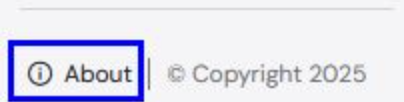
1. Click the **About** link at the bottom left corner of the Navigation Panel.
   <Frame>
     <img src="https://mintcdn.com/levelblue-5324744e/gssuFeF-Jv170Da2/images/policy-manager/about.png?fit=max&auto=format&n=gssuFeF-Jv170Da2&q=85&s=74a551723e4b7bf945d14c39d631794f" alt="About" title="About" style={{ width:"87%" }} width="404" height="102" data-path="images/policy-manager/about.png" />
   </Frame>
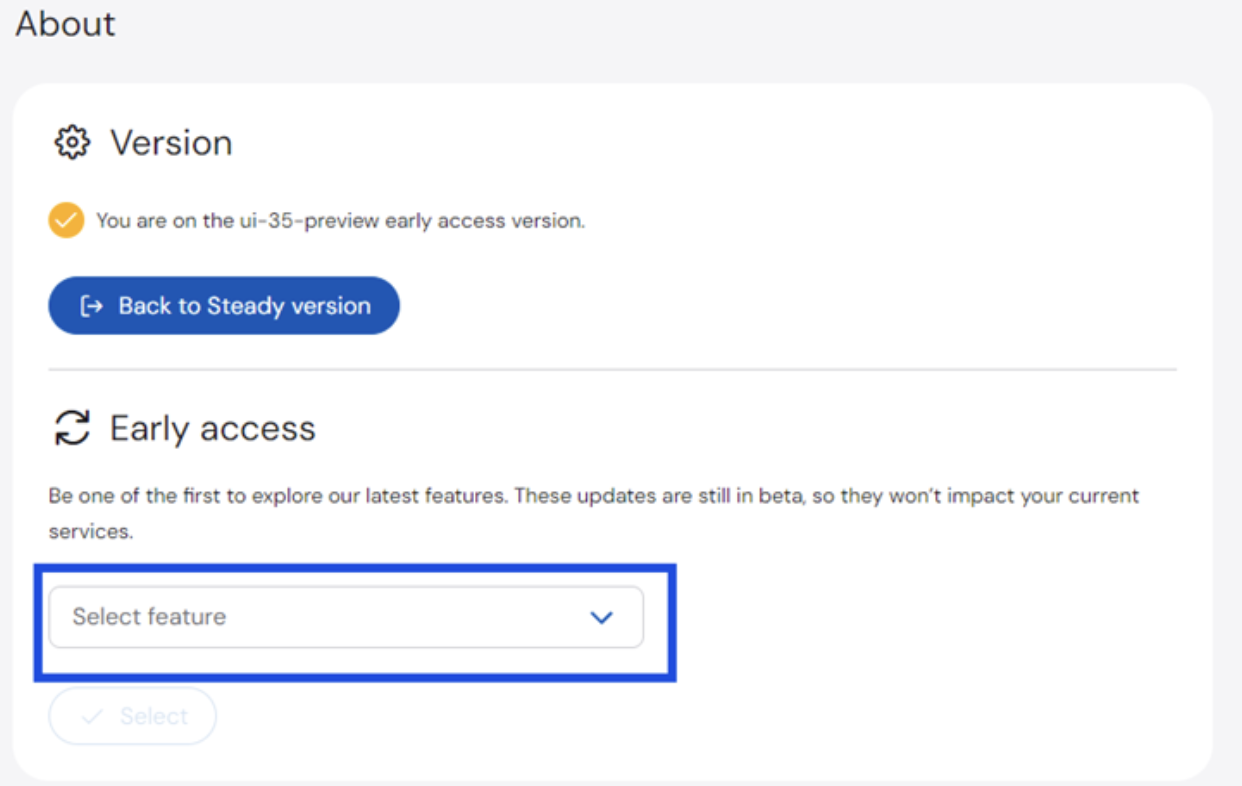
2. On the **About** page > **Early Access** section, click the dropdown list and select the feature you want to enable.
   <Frame>
     <img src="https://mintcdn.com/levelblue-5324744e/gssuFeF-Jv170Da2/images/policy-manager/early.png?fit=max&auto=format&n=gssuFeF-Jv170Da2&q=85&s=1f8df317e794e7d426dc833d1d88f78e" alt="Early" title="Early" className="mx-auto" style={{ width:"73%" }} width="1242" height="786" data-path="images/policy-manager/early.png" />
   </Frame>

   <Note>
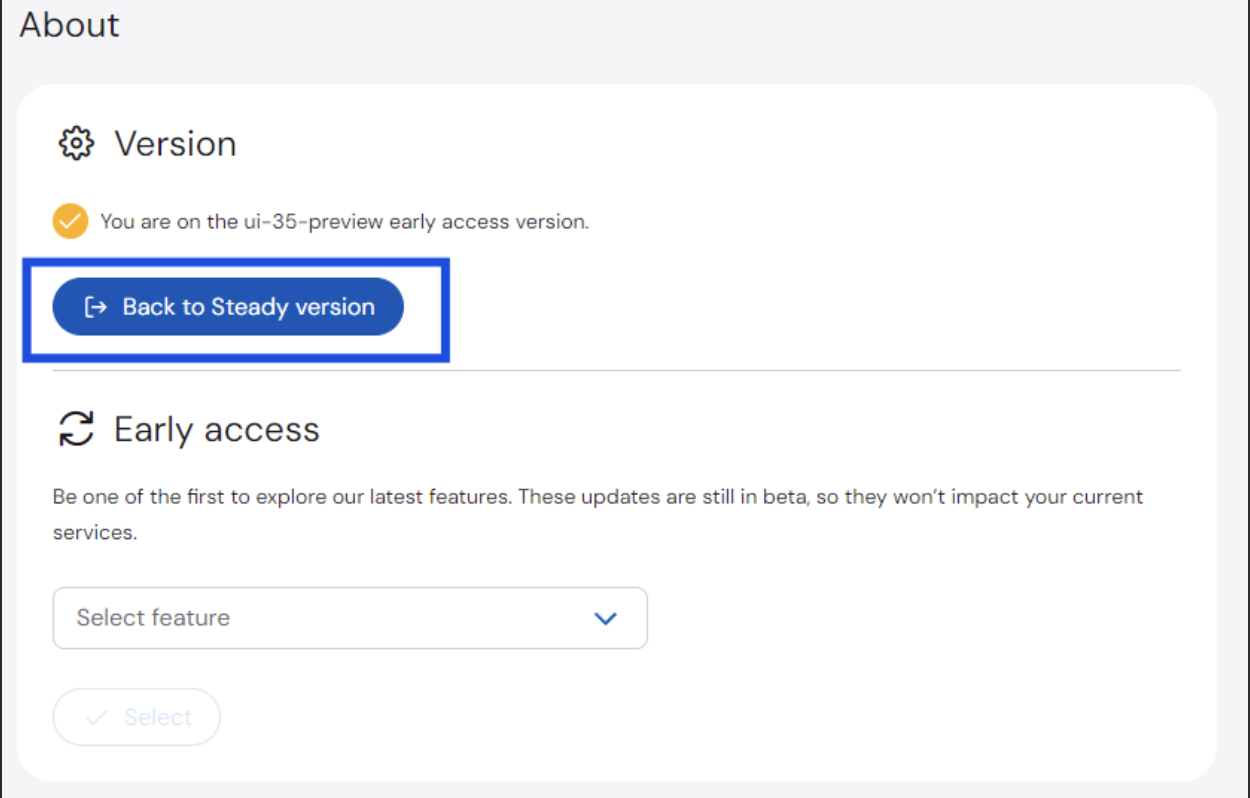
     To disable an Early Access Feature, click **Back to Steady** version.
     <Frame>
       <img src="https://mintcdn.com/levelblue-5324744e/gssuFeF-Jv170Da2/images/policy-manager/back.png?fit=max&auto=format&n=gssuFeF-Jv170Da2&q=85&s=a7a4724ce7071f7865216292fb38e792" alt="Back" title="Back" className="mx-auto" style={{ width:"67%" }} width="1250" height="798" data-path="images/policy-manager/back.png" />
     </Frame>
   </Note>
