> ## Documentation Index
> Fetch the complete documentation index at: https://docs.levelblue.com/llms.txt
> Use this file to discover all available pages before exploring further.
# Dark Mode/Light Mode
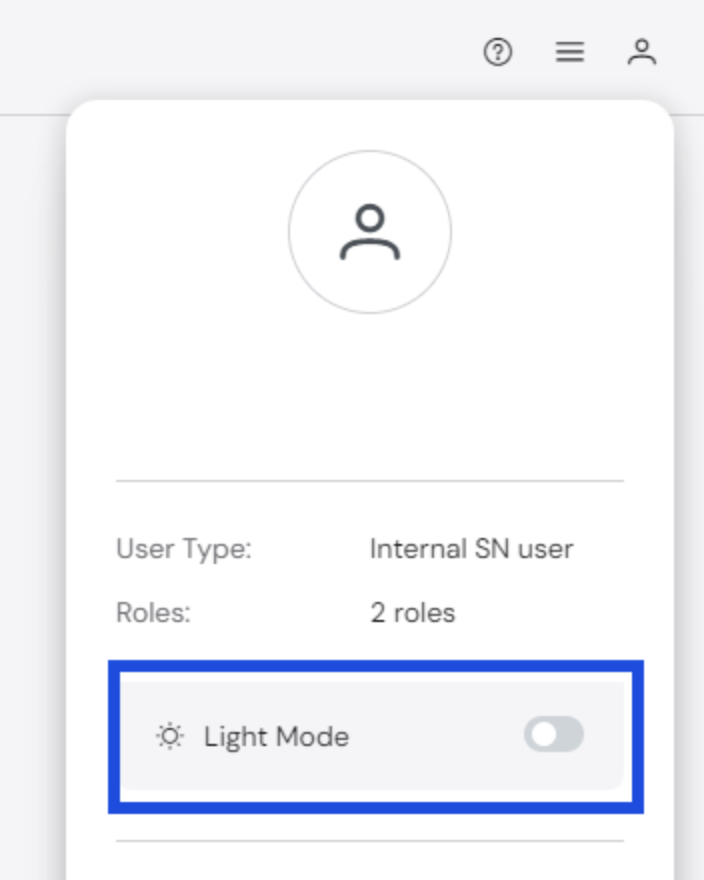
You can choose how the UI is displayed, with options of either **Light Mode** or **Dark Mode**. Whatever option is chosen will be the default view for future sessions until changed.
**To change UI modes:**
1. Select the **My Profile** icon at the top right corner of the page.
 2. Select the toggle next to **Light Mode** or **Dark Mode** to switch to the other mode.