> ## Documentation Index
> Fetch the complete documentation index at: https://docs.levelblue.com/llms.txt
> Use this file to discover all available pages before exploring further.
# Events Created When an Asset Is Discovered
| | | | | |
| --------------------- | --------- | ------------ | ----------- | ----------- |
| **Role Availability** | Read-Only | Investigator | **Analyst** | **Manager** |
USM Anywhere gives you the option to enable or disable asset inventory alerts. You can configure your USM Anywhere to generate an event whenever a new asset is detected.
**Note:** Enabling this feature will generate system events for each newly
discovered asset or service. Be prepared for an influx of system events when
enabling this feature. It is recommended to run a few initial asset discovery
scans to get a baseline prior to enabling this feature.
**To enable event creation upon asset detection**
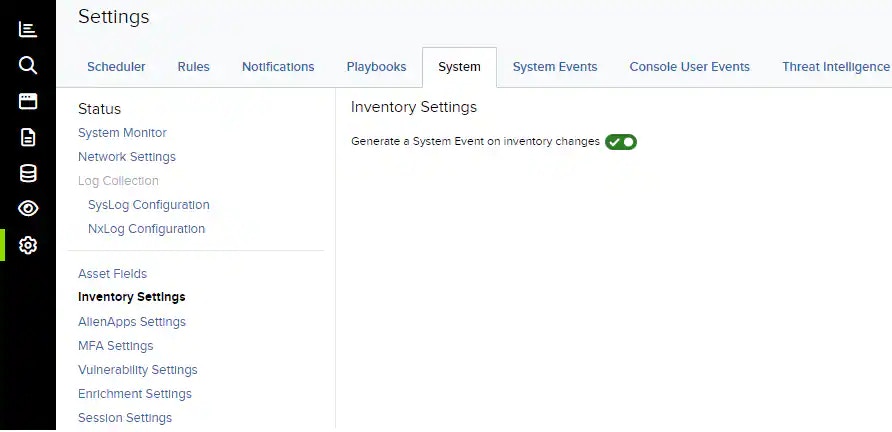
1. Go to **Settings > System**, and then select **Inventory Settings**.
2. Toggle on \*\*Generate a System Event on Inventory Changes\*\* to enable this setting.
Toggle this off to disable event creation.
 **Important:** This setting is only accessible to users in a Manager role.