> ## Documentation Index
> Fetch the complete documentation index at: https://docs.levelblue.com/llms.txt
> Use this file to discover all available pages before exploring further.
# Requiring Multifactor Authentication
| | | | | |
| --------------------- | --------- | ------------ | ------- | ----------- |
| **Role Availability** | Read-Only | Investigator | Analyst | **Manager** |
Manager users can configure USM Anywhere to require users to log in using multifactor authentication (MFA).
**To require MFA for users**
1. Go to **Settings > System > MFA Settings**.
2. Toggle on **MFA Required**.
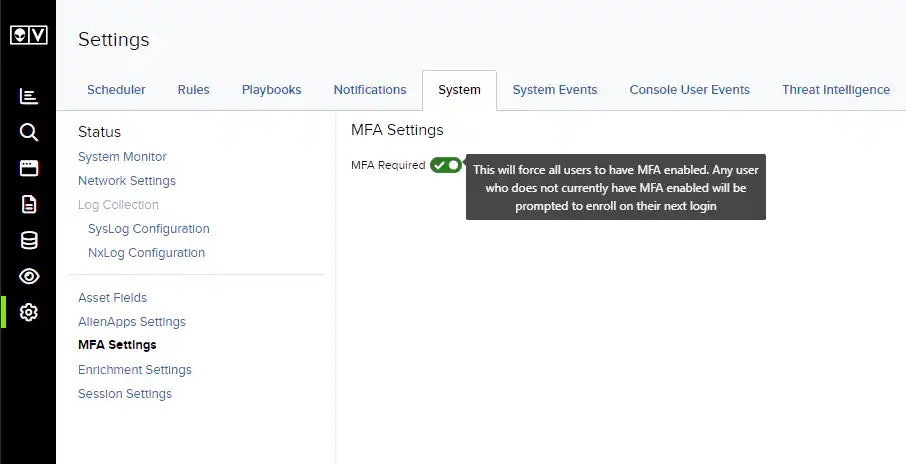 Users will be prompted to enroll in MFA on their next login if they do not already have MFA configured.