> ## Documentation Index
> Fetch the complete documentation index at: https://docs.levelblue.com/llms.txt
> Use this file to discover all available pages before exploring further.
# Deleting a Playbook
| | | | | |
| --------------------- | --------- | ------------ | ------- | ----------- |
| **Role Availability** | Read-Only | Investigator | Analyst | **Manager** |
Users in the Manager role can delete a playbook to remove it from USM Anywhere as long as the playbook has not already been executed.
**Note:** A playbook cannot be deleted if it has been executed. See [Archiving a Playbook](/documentation/usm-anywhere/user-guide/rules-management/playbooks-archive) for details on how to archive and permanently remove a playbook in USM Anywhere.
**To delete a playbook**
1. Go to **Settings > Playbooks**, and then navigate to the My Playbooks tab.
2. Click the  icon of the playbook that you want to delete.
The Delete Playbook dialog box opens.
icon of the playbook that you want to delete.
The Delete Playbook dialog box opens.
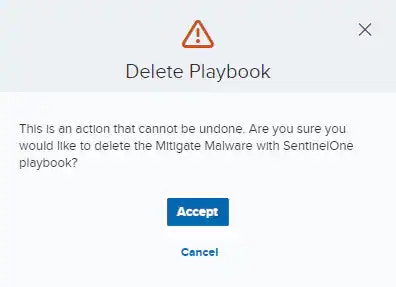 3. Click Accept.