> ## Documentation Index
> Fetch the complete documentation index at: https://docs.levelblue.com/llms.txt
> Use this file to discover all available pages before exploring further.
# Labeling the Vulnerabilities
Role Availability | ❌ Read-Only ✔️ Analyst ✔️ Manager
USM Anywhere includes a set of labels that you can use to classify your vulnerabilities, to track the status of the vulnerabilities, and to search vulnerabilities using them as a filter. See [Searching Vulnerabilities](/usm-central/vulnerabilities/searching-vulnerabilities) for more information on how to search vulnerabilities.
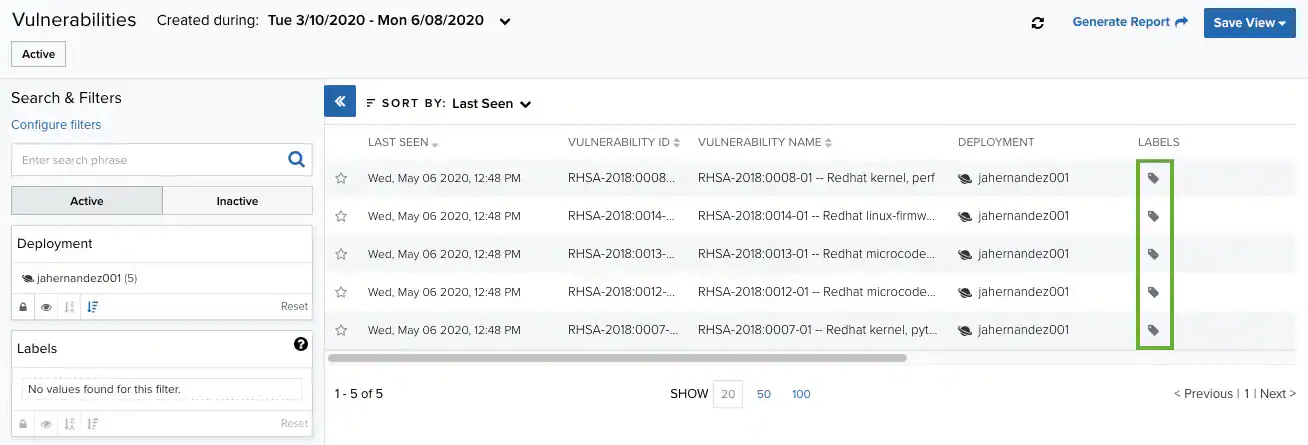
The Vulnerabilities page of USM Central display the labels applied from USM Anywhere.
You can't edit or delete the set of default labels:
* In Progress
* Closed
* Open
* False Positive