Osquery is an operating system instrumentation framework for Linux that exposes this operating system as a high-performance relational database so that SQL queries can explore the operating system data. With osquery, SQL tables represent abstract concepts such as running processes, loaded kernel modules, open network connections, browser plugins, hardware events, or file hashes.LevelBlue recommends that you use osquery to collect data and send them to USM Anywhere through syslog. Alternatively, you can install the LevelBlue Agent on your Linux hosts outside of the network to monitor endpoints and collect logs.
Note: Do not run osquery in parallel with the LevelBlue Agent because it will interfere with the agent and cause USM Anywhere not to parse the data it receives.
You must have privileges to complete the following procedure.To collect logs from Linux using osquery
If you do not yet have osquery, download it and follow the instructions appropriate for your operating system.
Important: After you copy-paste the text, make sure to edit it so that all strings with equals signs (=) in them remain on the same line. Otherwise, this procedure will fail.
Save osquery.conf and copy it to /etc/osquery/.
Note: We recommend leaving the queries created by default, but you can create your own osquery configuration.
If you have not already done so, configure syslog to send data to the USM Anywhere Sensor. See Linux Log Collection with Syslog for instructions.This should include restarting the syslog service.
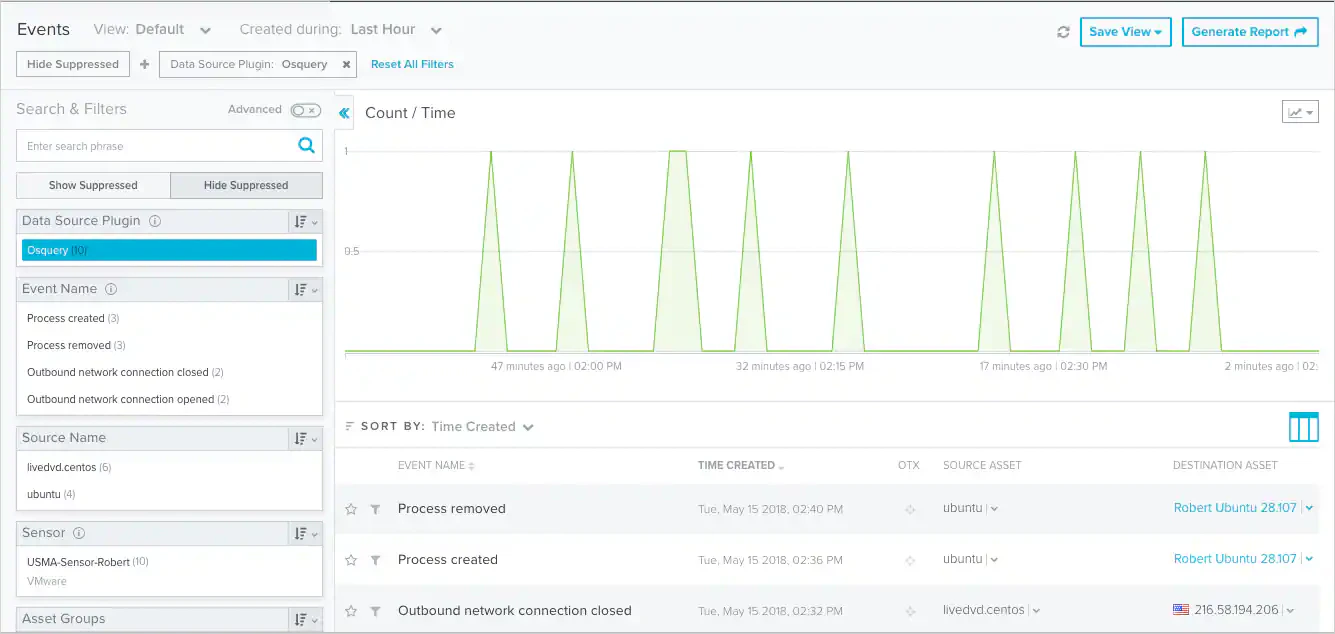
Verify that you can see osquery events in USM Anywhere.