

Generating a Report
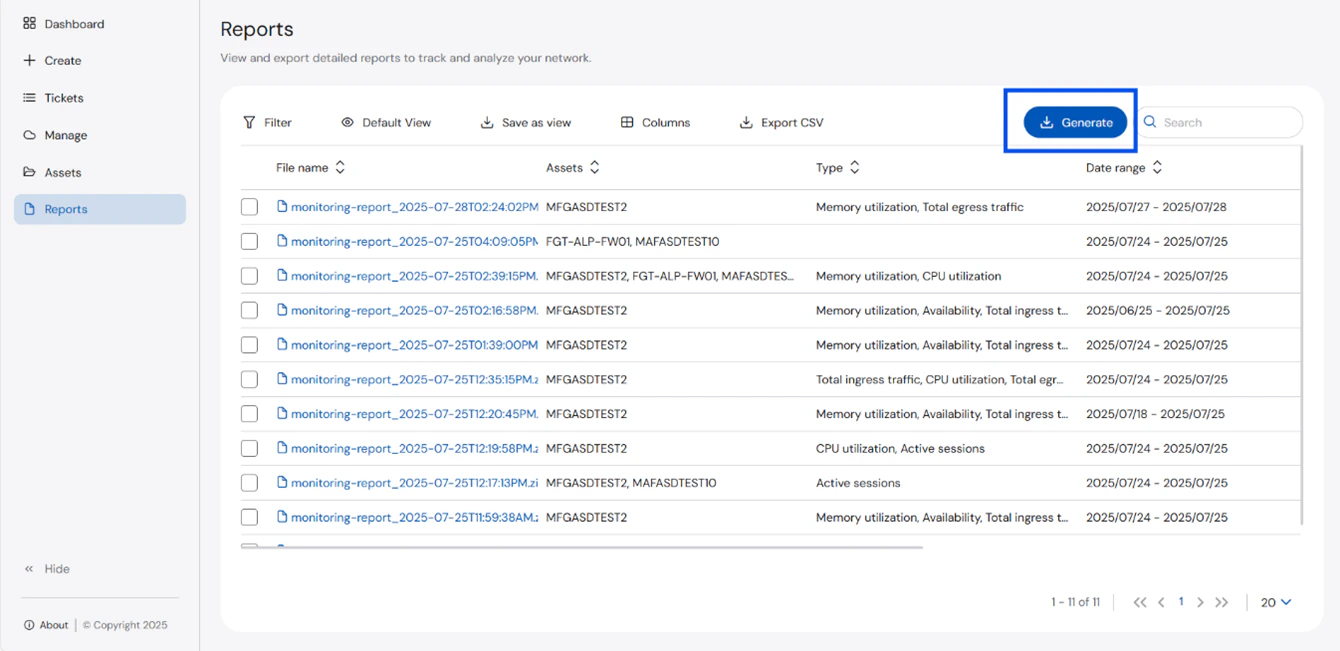
To generate a report:- Click Reports from the left navigation panel. The Reports page opens.
- Click Generate.
- Select the Time Range for the report. You may choose as early as the Last Hour up to the Last 30 days. You may also choose a Custom time range.
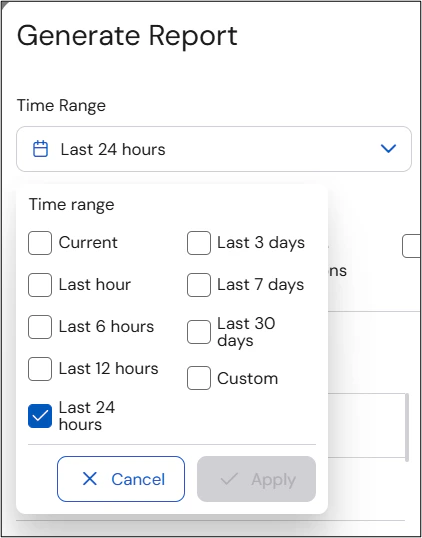
- Click Apply.
- Select the Type of report you want to generate.
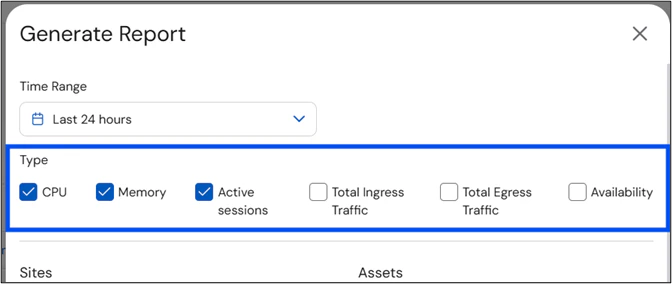
- Select the Assets that you want to include in the report.
 The Assets lists only shows devices where data monitoring is available.
 - Click Generate.
Downloading a Report
To download a report:- Click Reports from the left navigation panel. The Reports page opens.
- Select the checkboxes of the reports you want to download.
 A maximum of 10 reports can be downloaded at a time.
 - Click Download.
- Once done, open the downloaded zip folder.
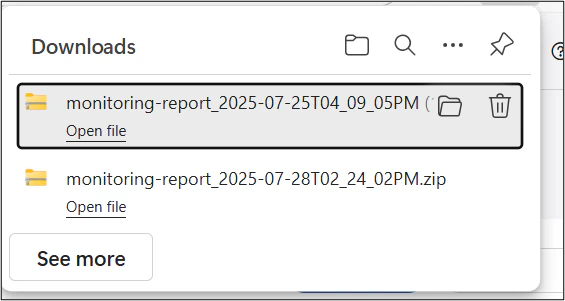
- Extract the zip files prior to opening them.
 The files will not open unless they have been extracted.
 - Select and open the report you need.