- Dashboard - This page provides a summary information about what goes on in the environment. It shows Health, Changes, a To-Do list, and Quick tasks.
- Create - This page is where you can go for any Requests, including Access Requests, URL Filtering, and Editing or Decommissioning a Rule.
- Manage - This page allows you to drill down into the details of a specific asset.
- Tickets - This page lists all of the tickets for an organization.
- Assets - This page displays all of the user’s assets.
- Reports - This page allows you to generate and download monitoring data for your devices.
Hiding the navigation panel
You have the ability to condense the navigation panel to save space in your view. At the bottom of the left-hand navigation panel, there is a<< Hide button, which hides the titles of the pages, leaving only the icons. To display the page titles again, click the >> button at the bottom of the panel.

Burger menu
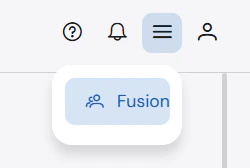
The burger menu on the top right-hand corner allows you to navigate to the Fusion portal.