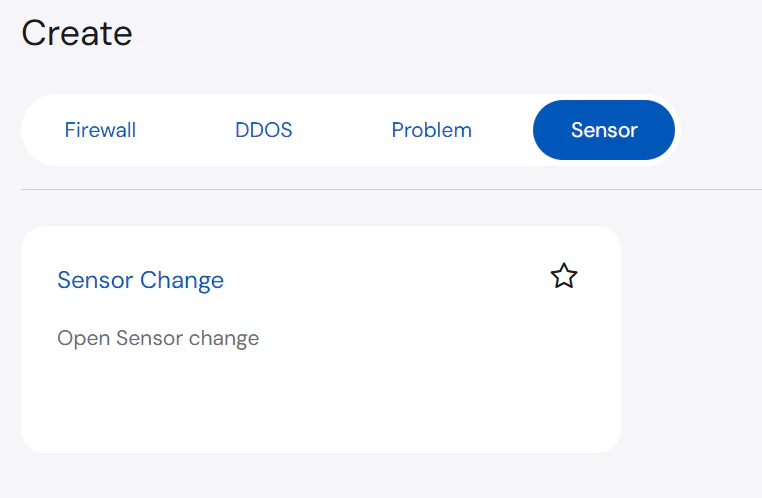
The Create page allows users to request or perform any Action on an asset.
Types of Actions
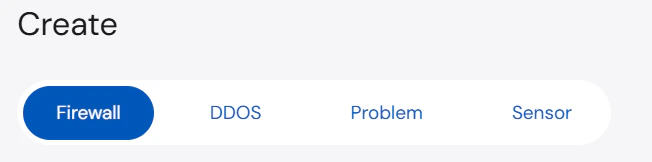
The Actions displayed are dependent on the service(s) you have provisioned. You can navigate between the different Services at the top of the page as illustrated by the screenshot below.
Firewall
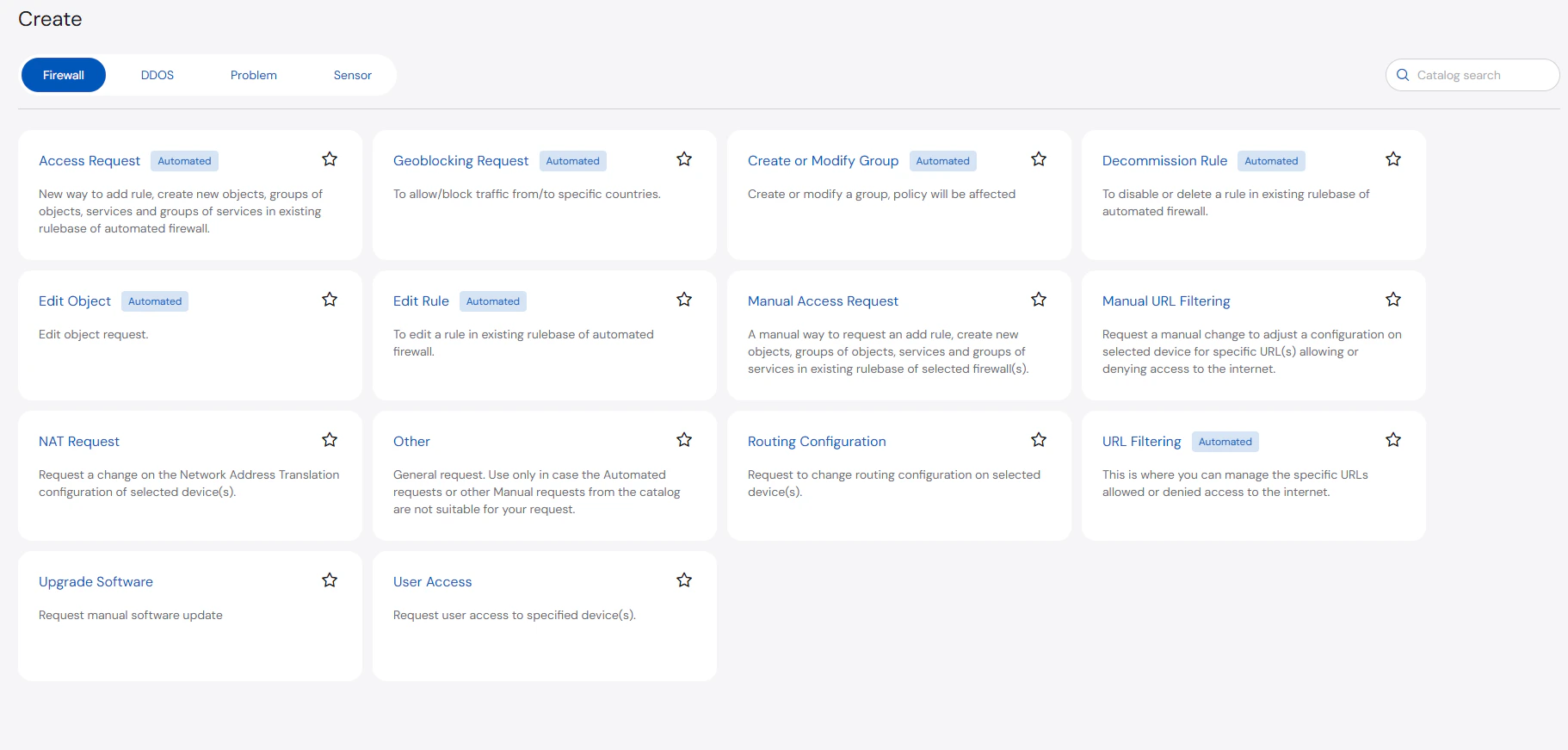
Below are the types of Firewall actions:
- Access Request (Automated): Add a rule or create new objects, groups of objects, services, and groups of services in the existing rulebase of automated firewall.
- Create or Modify Group (Automated): Create or modify a group.
Policies may be affected when a group is created or modified.
- Decommission Rule (Automated): Disable or delete a rule in the existing rulebase of automated firewall.
- Edit Rule (Automated): Edit a rule in the existing rulebase of automated firewall.
- Manual Access Request: A manual way to request to add a rule or create new objects, groups of objects, services, and groups of services in the existing rulebase of selected firewall(s).
- Manual URL Filtering: Request a manual change to adjust a configuration on selected device for specific URL(s) allowing or denying access to the internet.
- NAT Request: Request a change on the Network Address Translation configuration of selected device(s).
- Other: General request. You may use this option in case automated or other manual requests from the catalog are not suitable for your request.
- Routing Configuration: Request to change the routing configuration on selected device(s).
- URL Filtering (Automated): Manage the URLs that can be allowed or denied access to the Internet.
- Upgrade Software: Request for a manual software update.
- User Access: Request user access to specified device(s).
DDoS
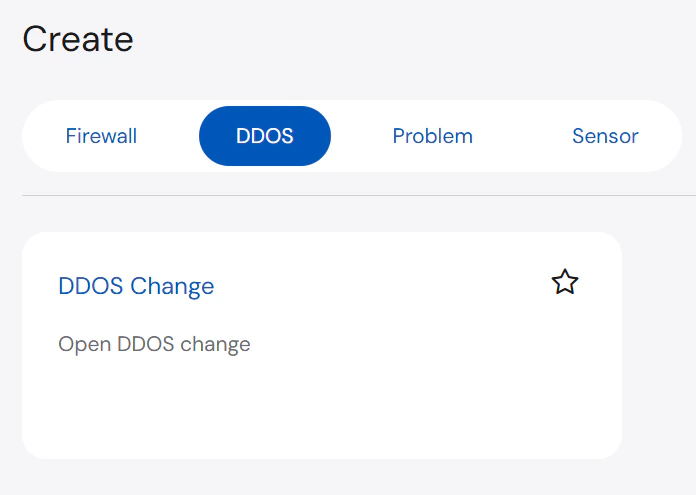
Below are the types of DDoS actions:
- DDoS Change: Open DDOS change
Problem
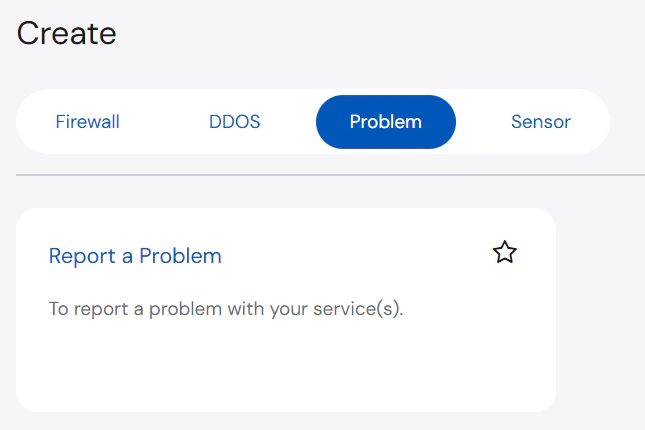
Below are the types of Problem actions:
- Report a Problem: Report a problem with the asset
Sensor
Below are the types of Sensor actions:
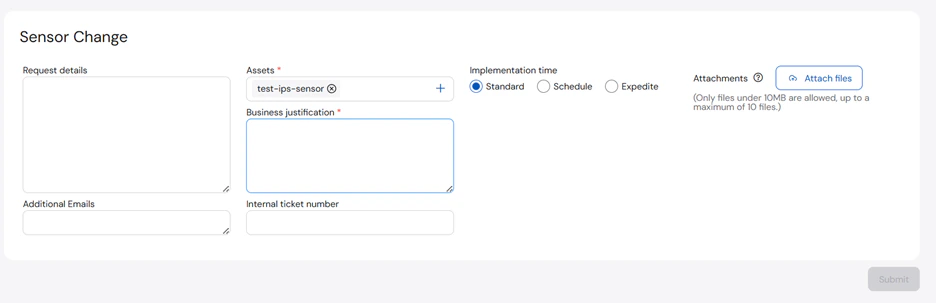
- Sensor Change: Open Sensor change
Initiating Change Actions
The Create page allows you to select or request an action to be implemented on specific assets. While the required information may differ depending on the selected action, the same high-level process is still followed.
Initiating Firewall Action
To request a firewall action:
- On the Create page, select the Firewall tab and then select the action you want to request.
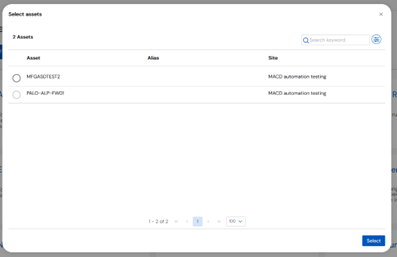
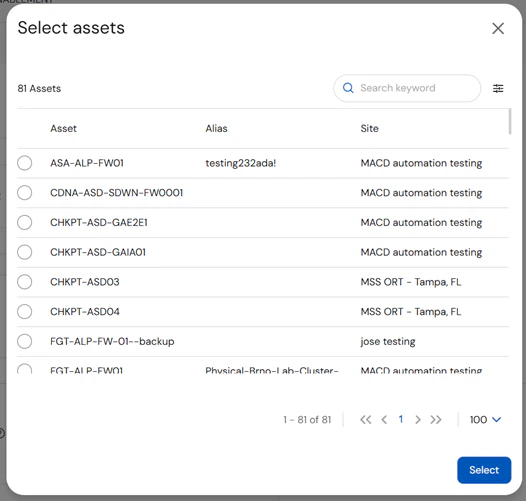
- Search for and select the asset from the list.
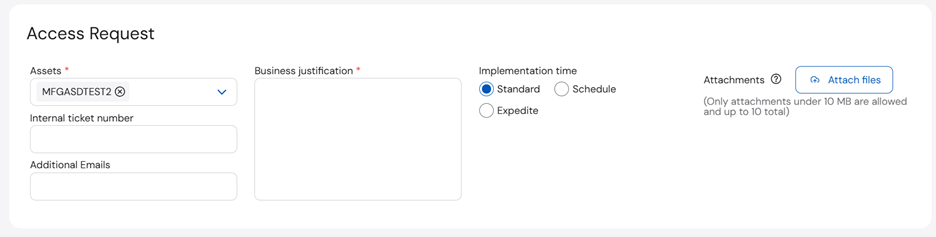
- On the Access Request section, enter or select the Assets, Business Justification, and Implementation Time.
- Complete the rest of the sections based on the ticket type. Once done, click Next.
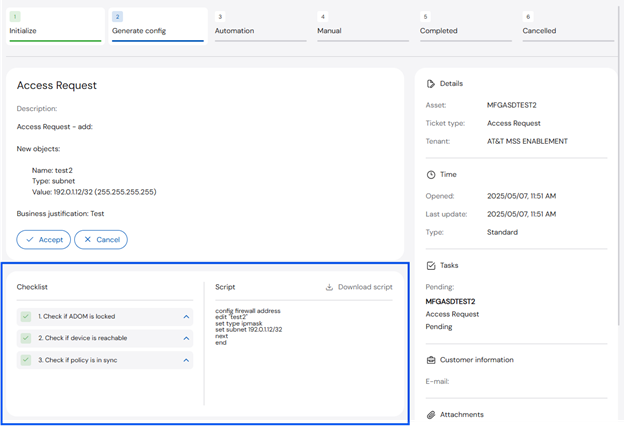
- Wait until the Configuration Checklist is generated.
- Once the checklist is generated, select any of the following actions to proceed:
- Accept - continue with the automation
- Manual - if the checklist fails, proceed to a manual ticket
- Cancel - cancel the ticket
Initiating DDoS Change
To request a DDoS change:
- On the Create page, select the DDoS tab and then DDOS Change.
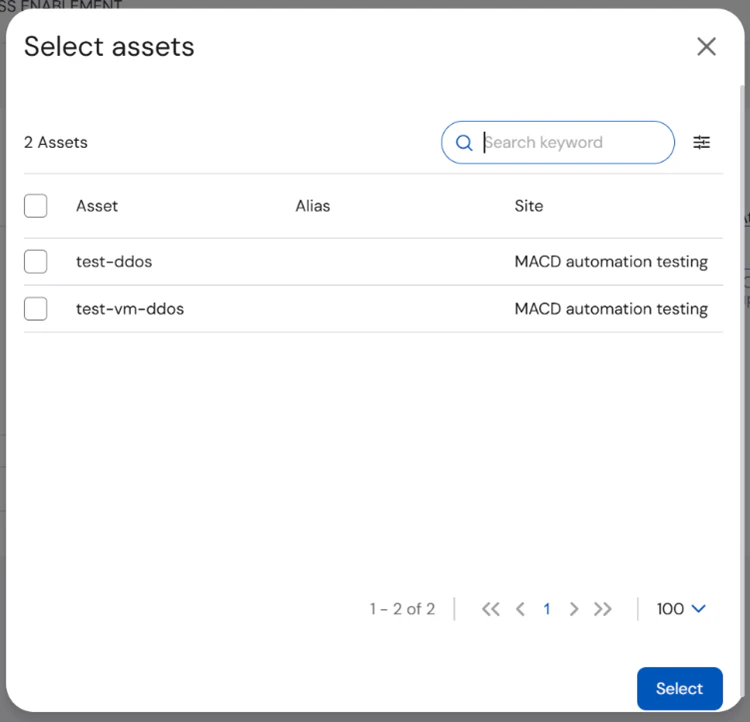
- Search for and select the asset from the list.
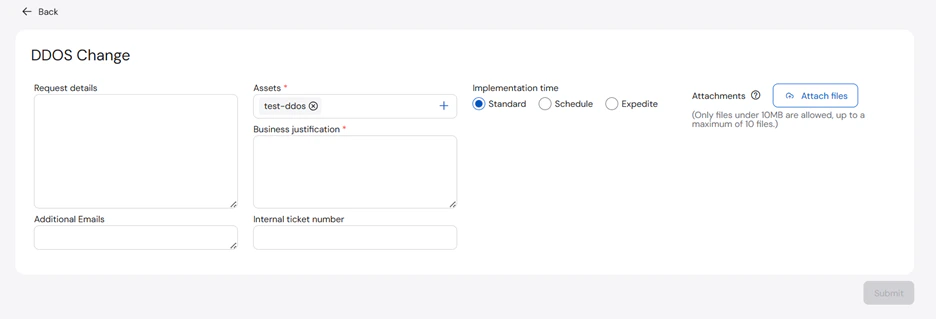
- On the DDOS Change section, enter or select the Assets, Business Justification, and Implementation Time.
- Click Submit.
Reporting a Problem
To report a problem:
- On the Create page, select the Problem tab and then Report a Problem.
- Search for and select the asset you want to report.
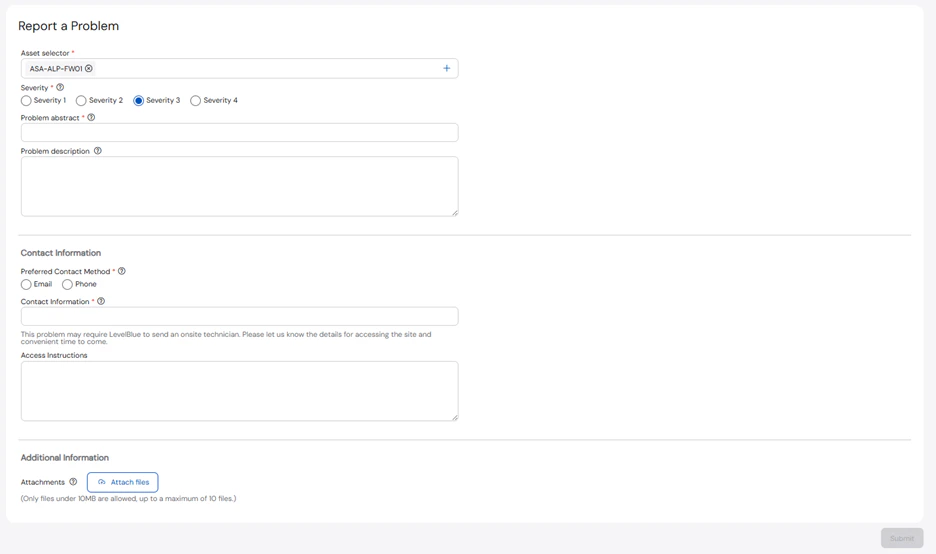
- Enter the required information on the following sections: Assets, Severity, Problem Abstract, Problem Description, Preferred Contact Method, and Contact Information.
You may also add any relevant Access Instructions or Attachments to the ticket.
- Click Submit.
Initiating Sensor Change
To request a sensor change:
- On the Create page, select the Sensor tab and then Sensor Change.
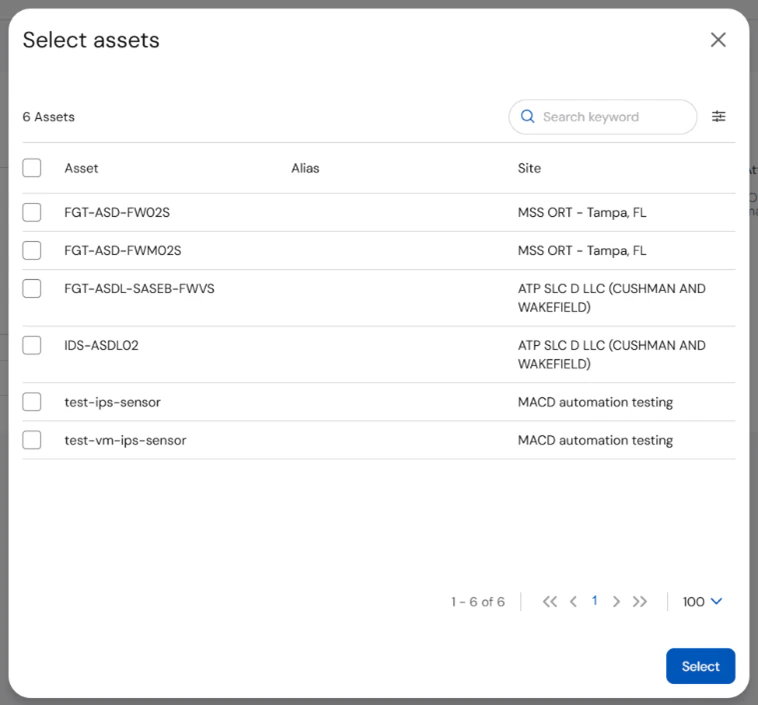
- Search for and select the asset from the list.
- On the Sensor Change section, enter or select the Assets, Business Justification, and Implementation Time.
- Click Submit.