

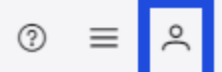
- Select the My Profile icon at the top right corner of the page.
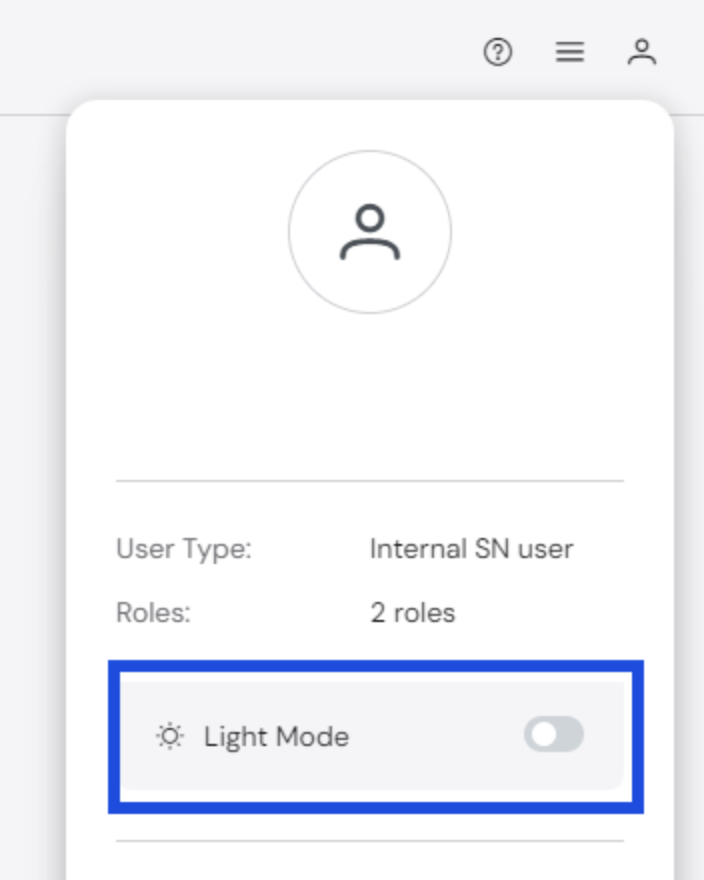
- Select the toggle next to Light Mode or Dark Mode to switch to the other mode.
Automated Policy Manager
Dark Mode/Light Mode
You can choose how the UI is displayed, with options of either Light Mode or Dark Mode. Whatever option is chosen will be the default view for future sessions until changed.
To change UI modes: