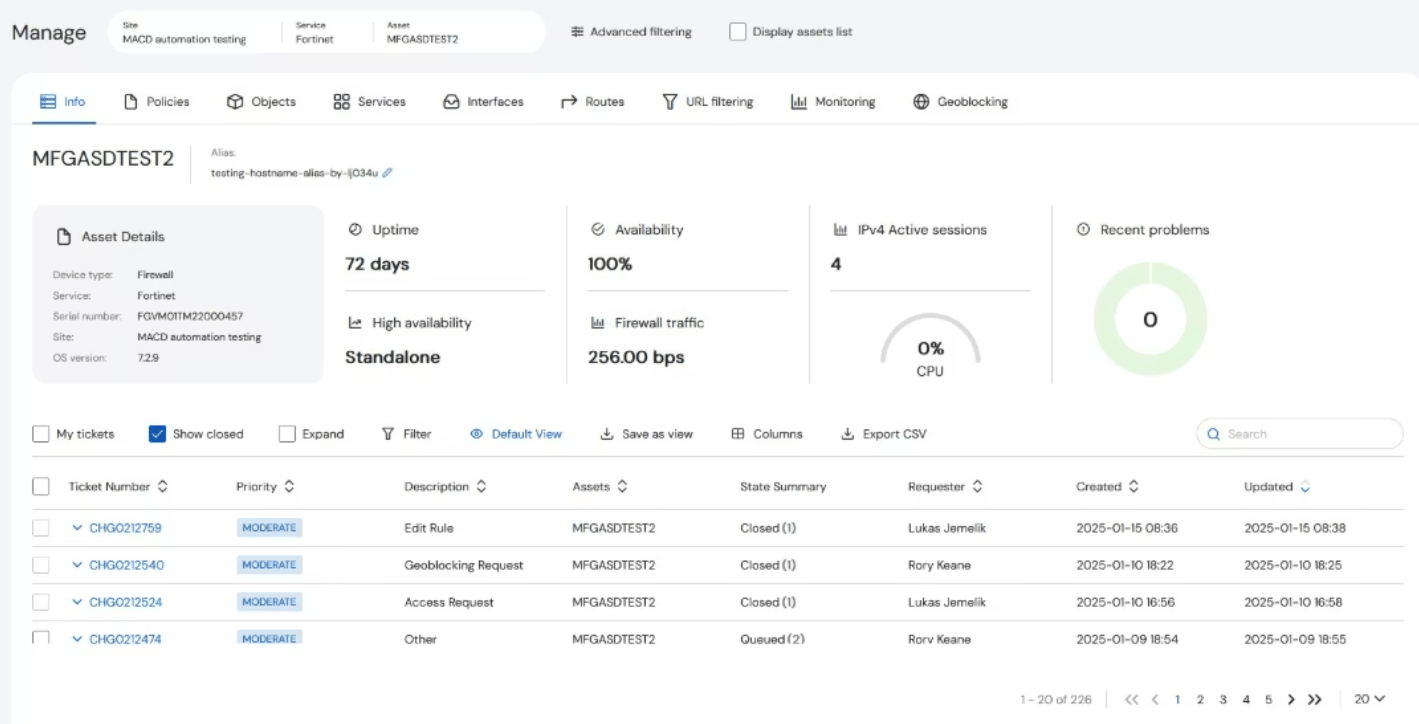
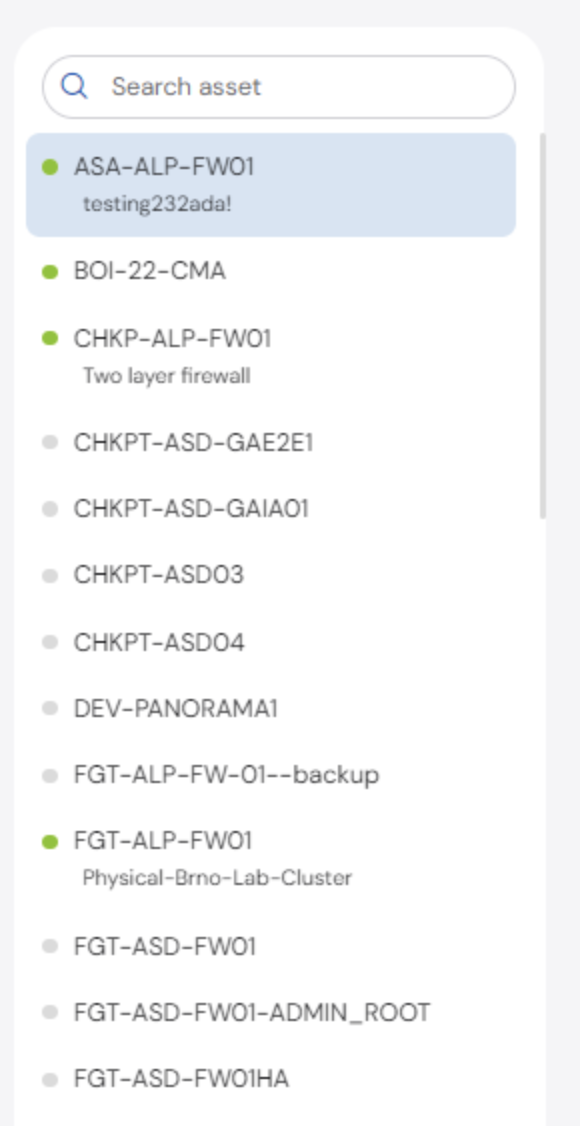
To select which asset to see details about, click the Display assets list checkbox.
A list appears on the left side of the table, which you can scroll through the list to find the asset you want, or you can also search in the Search Asset bar at the top of the panel. The dot next to the Asset name indicates if the device is online or not. When the dot is green, the asset supports automated features.