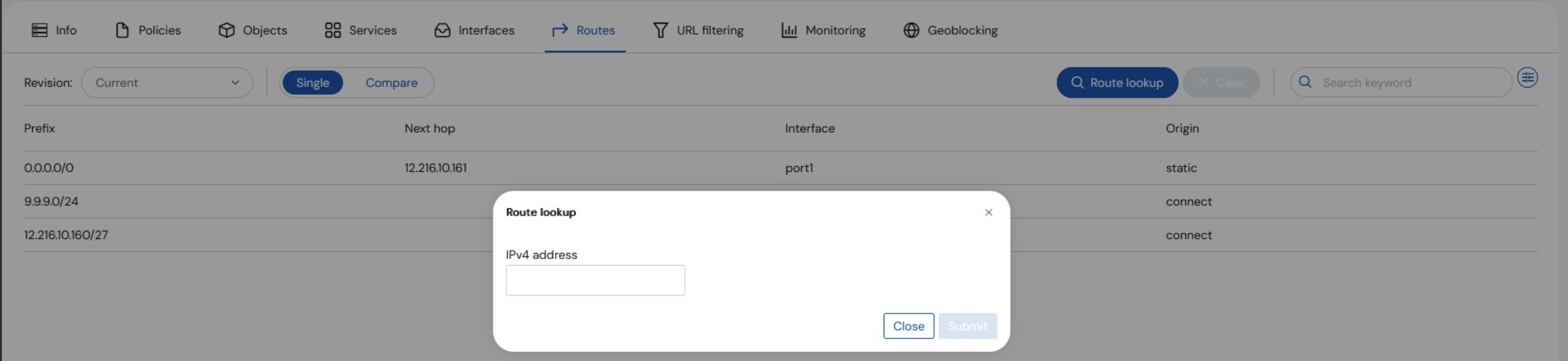
The Routes tab shows the routing table and allows for Route Lookup. The table shows the routing table for the selected asset.The routing table shows all types of routes, including local, static, and dynamic. It retains historical revisions; and whenever the routing table is changed, a revision is stored. To learn more about viewing past revision and comparing revisions, see Manage - Policies section.