Pre-installation Checklist
- VMware ESXi 5.1 or later.
- Four cores and 12 GB of memory dedicated to the VMware.
- 150 GB of disk space.
- A static IP address of the network interface used for Management, Log Collection, and Network Scanning.
- Internet connectivity to the network in which you will install the USM Anywhere Sensor.
- Network topology information available to run asset discovery.
- Port mirroring setup for network monitoring.
- Administrative credentials for authenticated asset scans.
- Administrative credentials for your devices (log forwarding).
- If you have a firewall, devices are configured to send UDP syslog.
- (Optional) Access to a span port to monitor network traffic for IDS.
VMWare Sensor Deployment
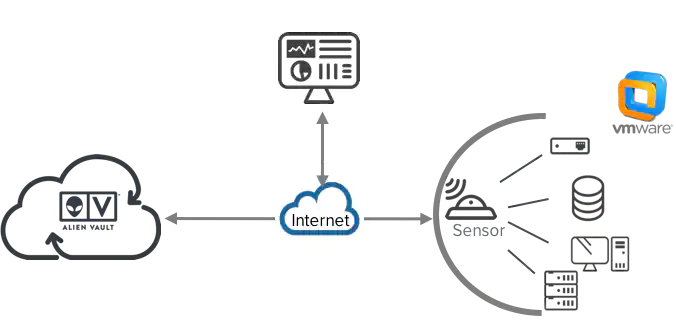
1. Install Sensor
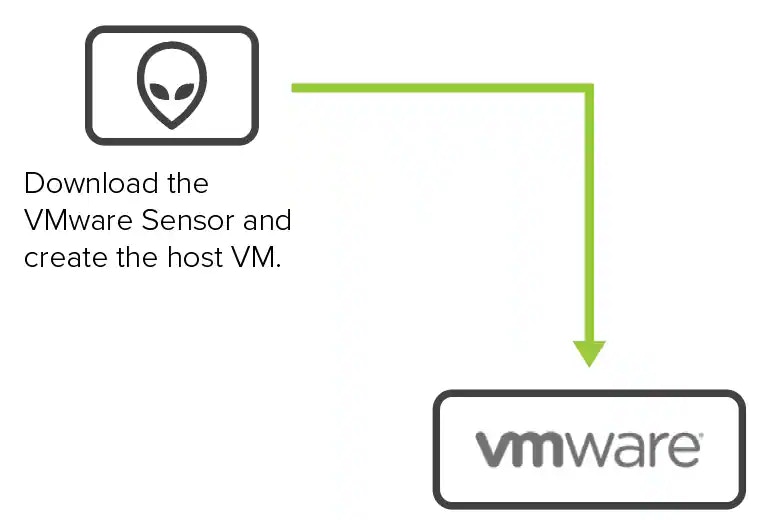
2. Connect Sensor to USM Anywhere
After deploying the sensor, you must connect it to through registration and configure the initial login credentials.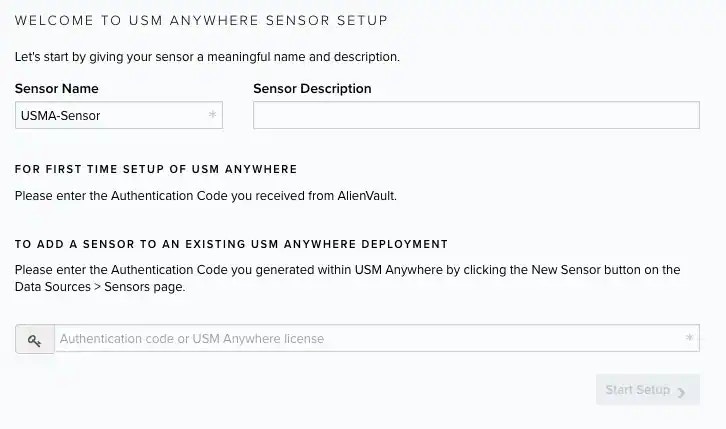
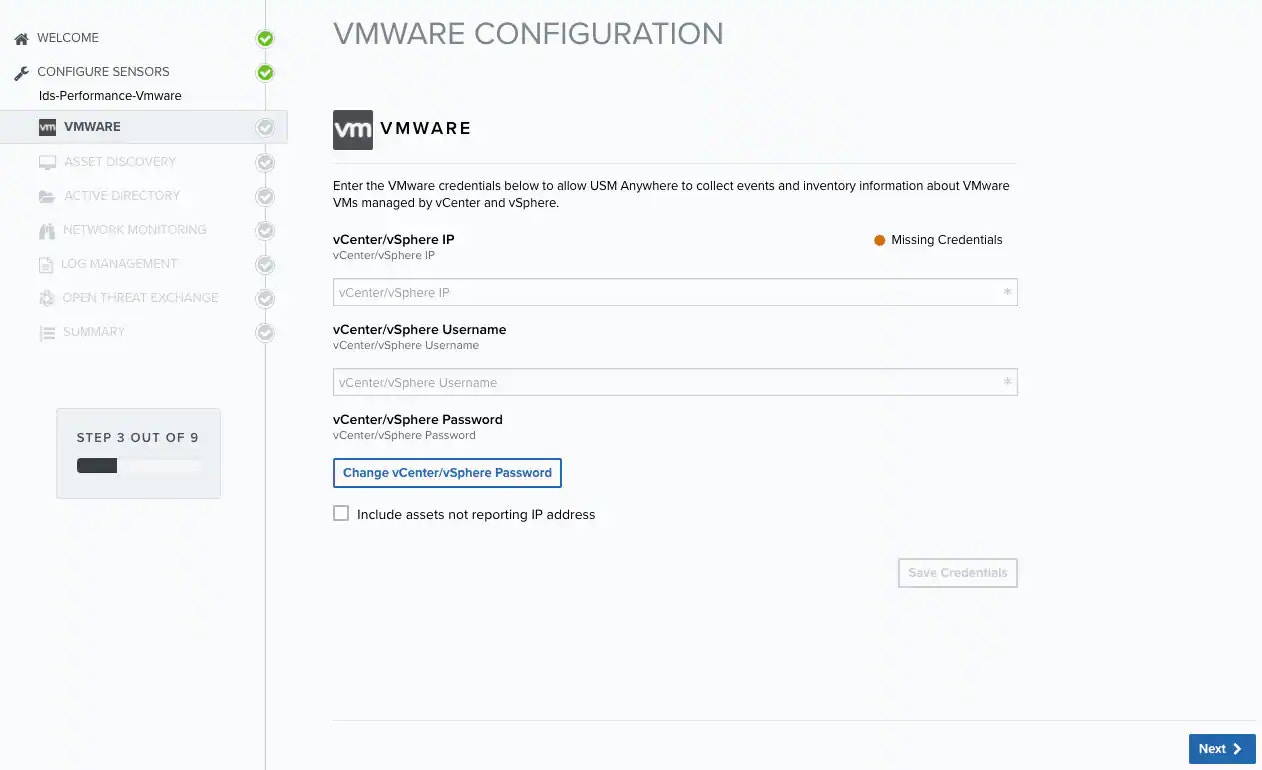
3. Launch the Setup Wizard
4. Start Using USM Anywhere