

- Select the checkbox to the left of the alarm.
- Select the checkbox of each alarm that you want to include.
- You can go to the next page and select more alarms. USM Central does not preserve the selection on the previous page.
- Select the checkbox in the first column of the header row.
-
Select all the alarms on the page.
Text similar to the following example displays above the alarm table:
All 20 alarms on this page are selected. Select all 121 related to this filterwhere 121 is the number of alarms in the system.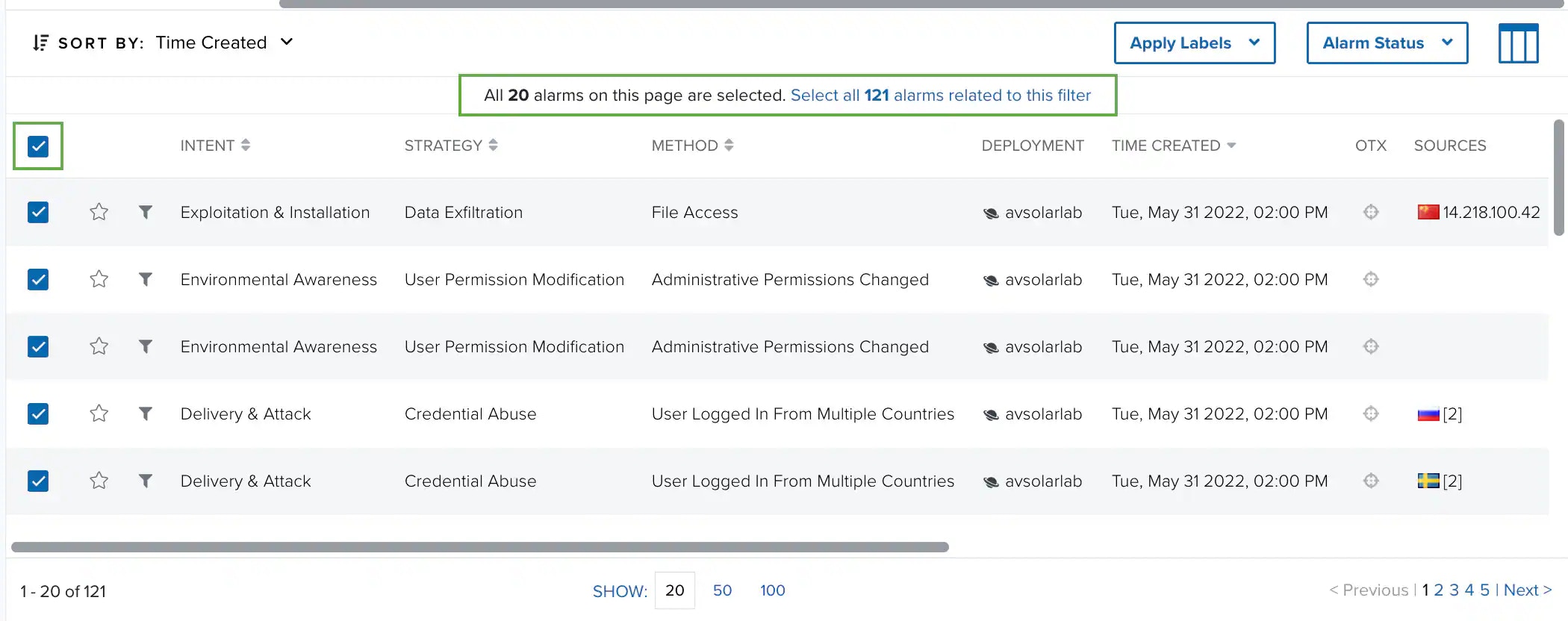
- To select all the alarms, click Select all 121 related to this filter.