

The Payment Card Industry Data Security Standards (PCI DSS) views in USM Anywhere have pre-defined filters based on the PCI DSS Asset Group. This section provides instructions on assigning and to populate the views with data.
Note: USM Anywhere generates PCI reports from the assets assigned to the PCI DSS Asset Group. See USM Anywhere Compliance Templates for more information.
- Go to Environment > Assets.
- Select the assets you want to include into the PCI DSS Asset Group. See Selecting Assets in Asset List View for assistance.
- Select Actions > Set Compliance Scope.
-
Select PCI.

- Click Save and the selected assets will join the PCI DSS Asset Group.
- Go to Environment > Assets.
- In the upper-left side of the page, click the Configure Filters link.
-
Search for PCI Asset in the available filters.
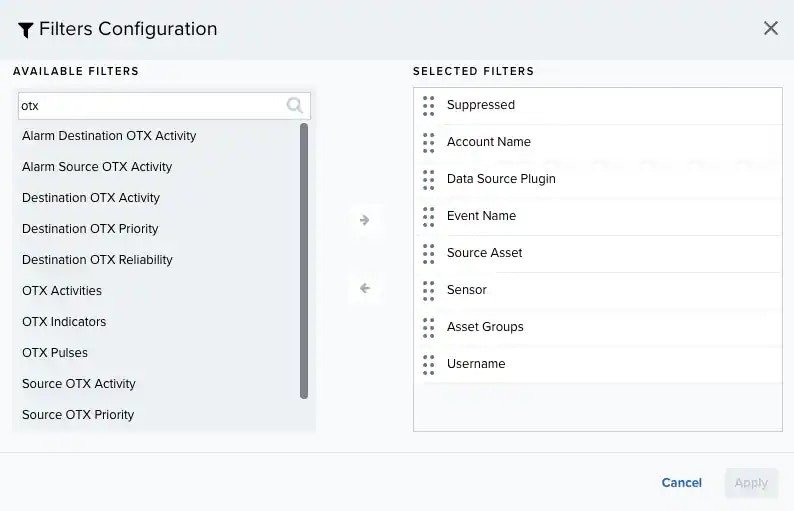
-
Click the
 icon to select the filter.
- Click Apply.
- In the left panel, scroll to the bottom to find the section for the PCI Asset filter.
- Click Yes (n). The number in parentheses indicates the number of PCI Assets.