

USM Anywhere enables you to create and manage your own investigations.
To create a new investigation
- Go to Investigations.
-
In the upper-right of the page, click New Investigation.
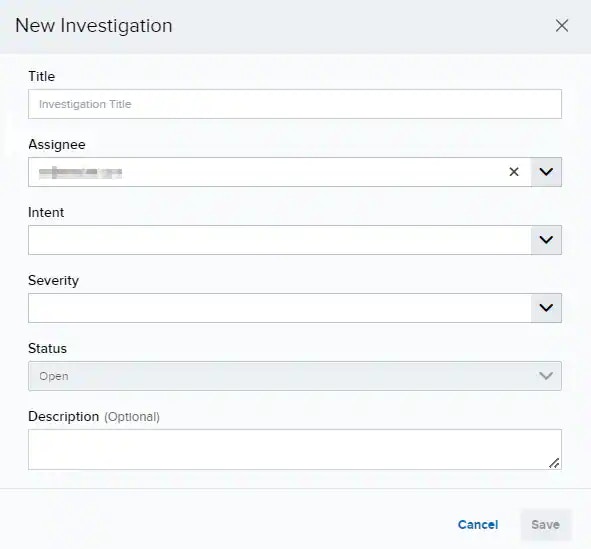
-
Enter the information in each field.
Fields in the New Investigation Dialog box
- Click Save.