

| Operator | Meaning | Example |
|---|---|---|
| Assign or Equal | Checks whether a field is equal to a value in the list. A value will be assigned if empty. If the variable is populated it acts like Equals. | 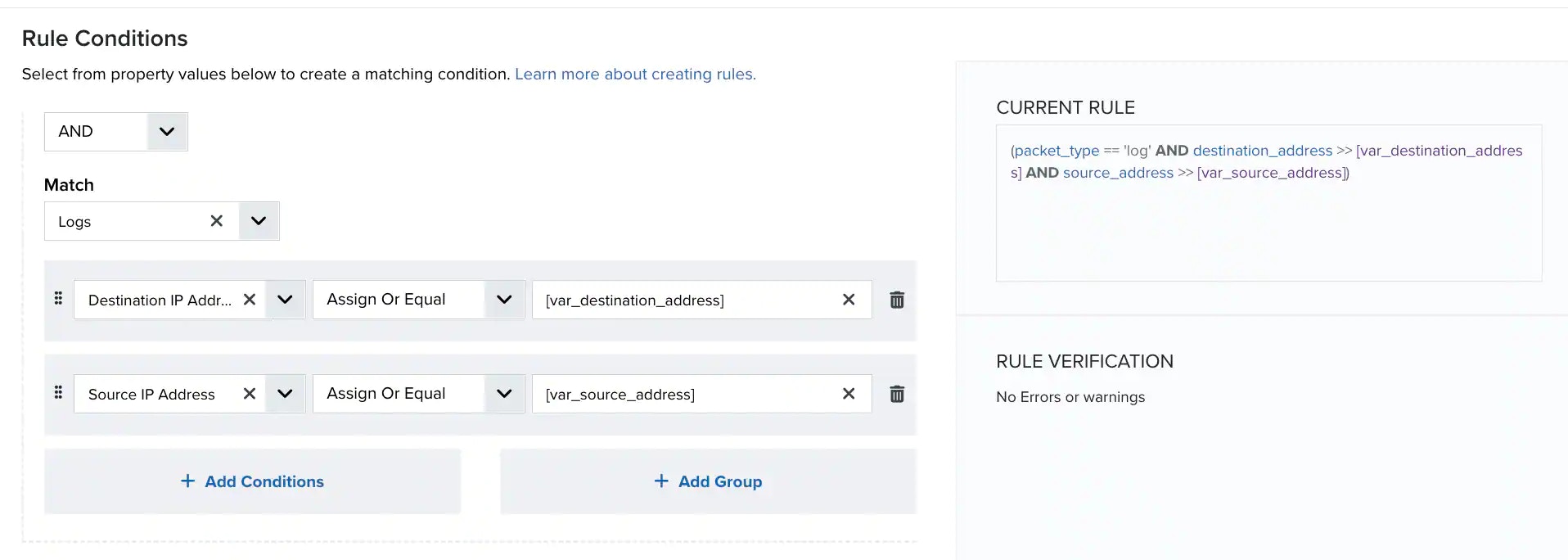 Note: USM Anywhere completes the value according to the field you have selected. The structure is always “var” followed by the field name. In the example above, the first condition assigns the destination IP address to [var_destination_address] and a list of variables, and the second condition looks for the source IP address that equals a variable in the list. Essentially, when both conditions are met, you will see events or alarms whose destination IP address is the same as their source IP address. Note: Rules are only muted if the user or field matches a value in the variable list. If the user or field is not equal to a value found in the list, this operator adds the value to the list. For example, source_username >> [user] mute length="6h" will trigger when user Bob is found and will not trigger again for Bob in the next 6 hours. But when Mary meets the condition, it will trigger the alarm again, as “Mary” does not exist in the source_username list [“Bob“].See Examples of Using the Assign or Equal Operator. |
| Assign or Equal, case insensitive | Checks whether a field is equal to a value in the list. A value will be assigned if empty. If the variable is populated it acts like Equals, ignoring case considerations. | 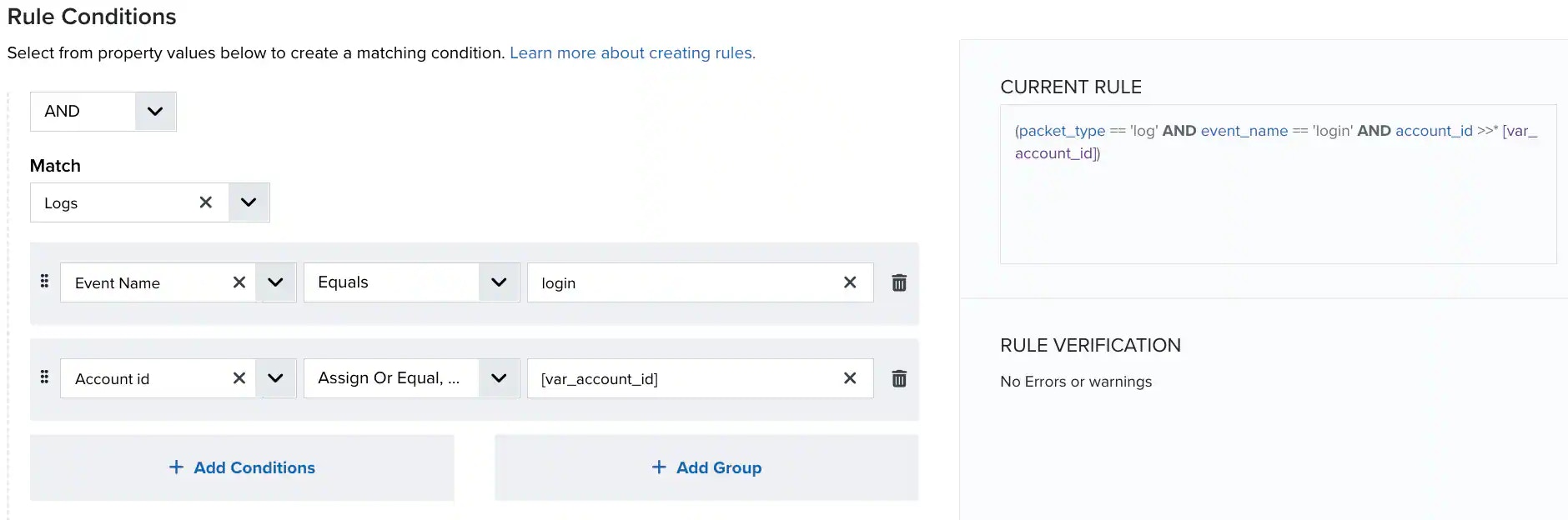 |
| Contains | Checks for the presence of a substring in a string. | 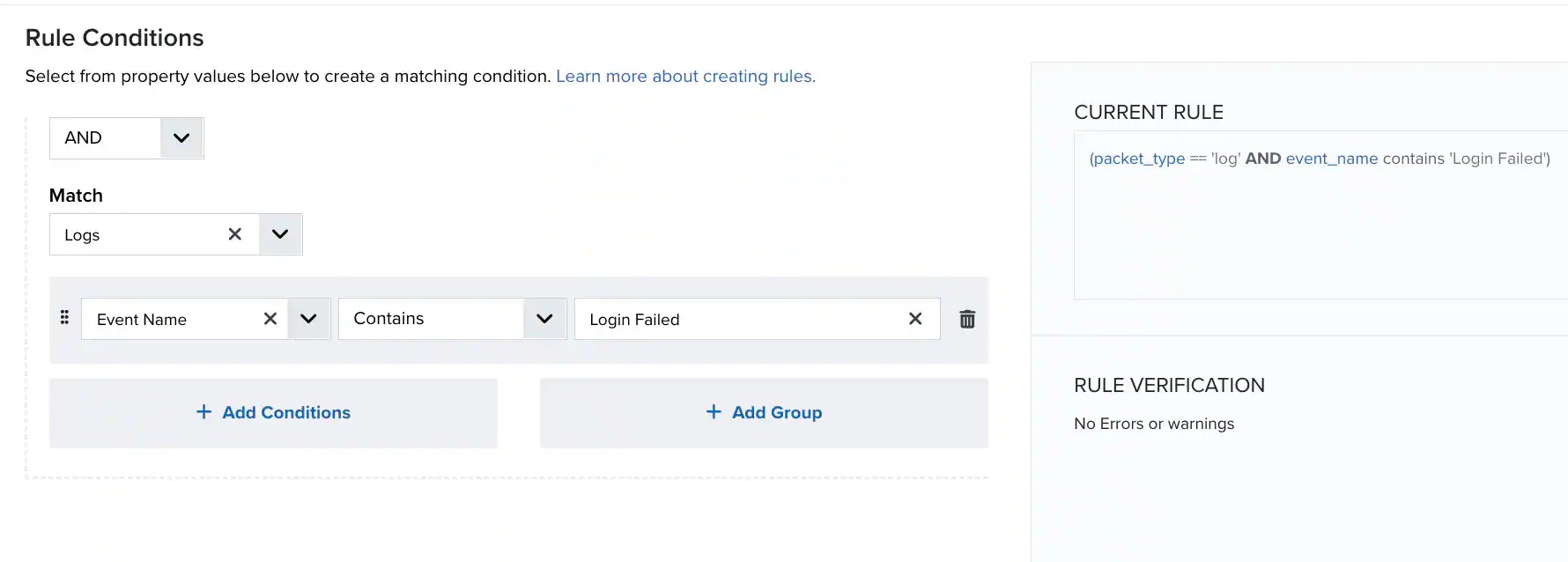 |
| Contains, case insensitive | Checks for the presence of a substring in a string, ignoring case considerations. | |
| Equals | Compares the field to the specified value. | 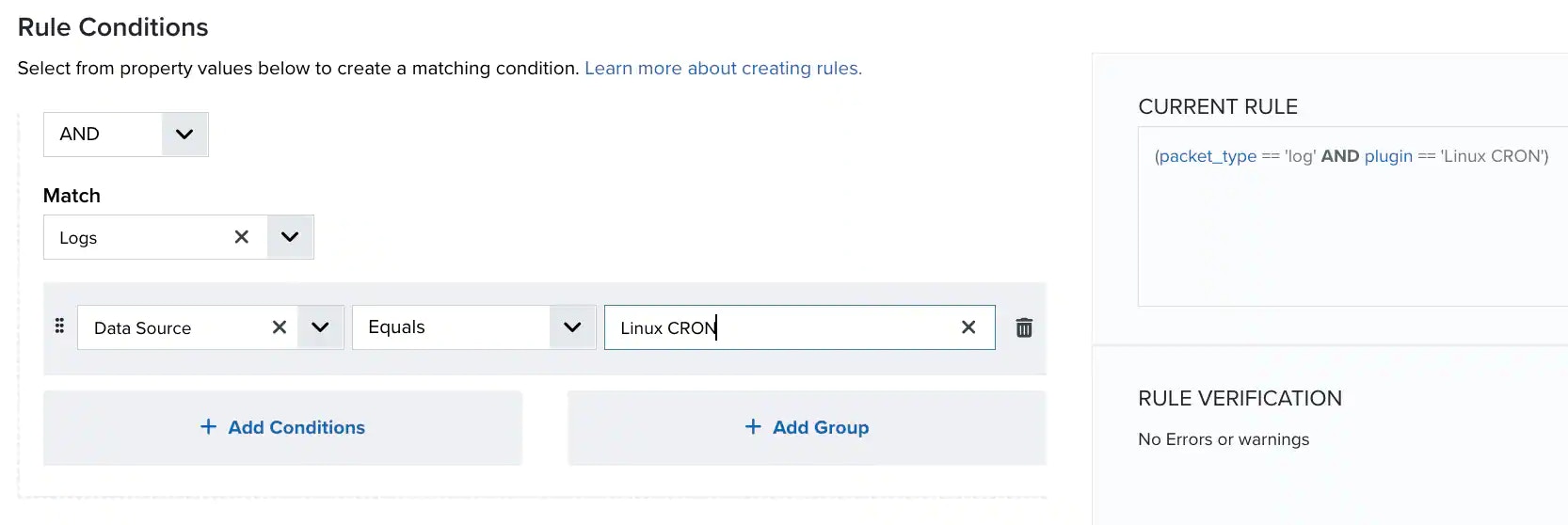 |
| Equals, case insensitive | Compares the field to the specified value, ignoring case considerations. | 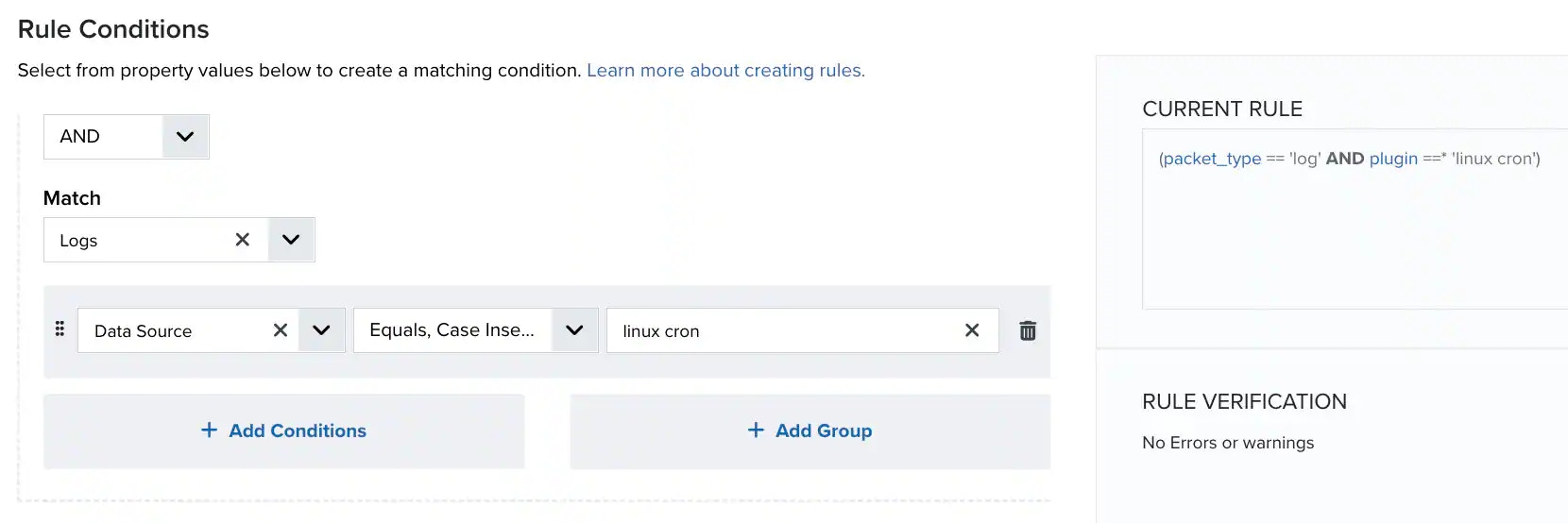 |
| Greater than | Returns true if the left operand is greater than the right operand. | 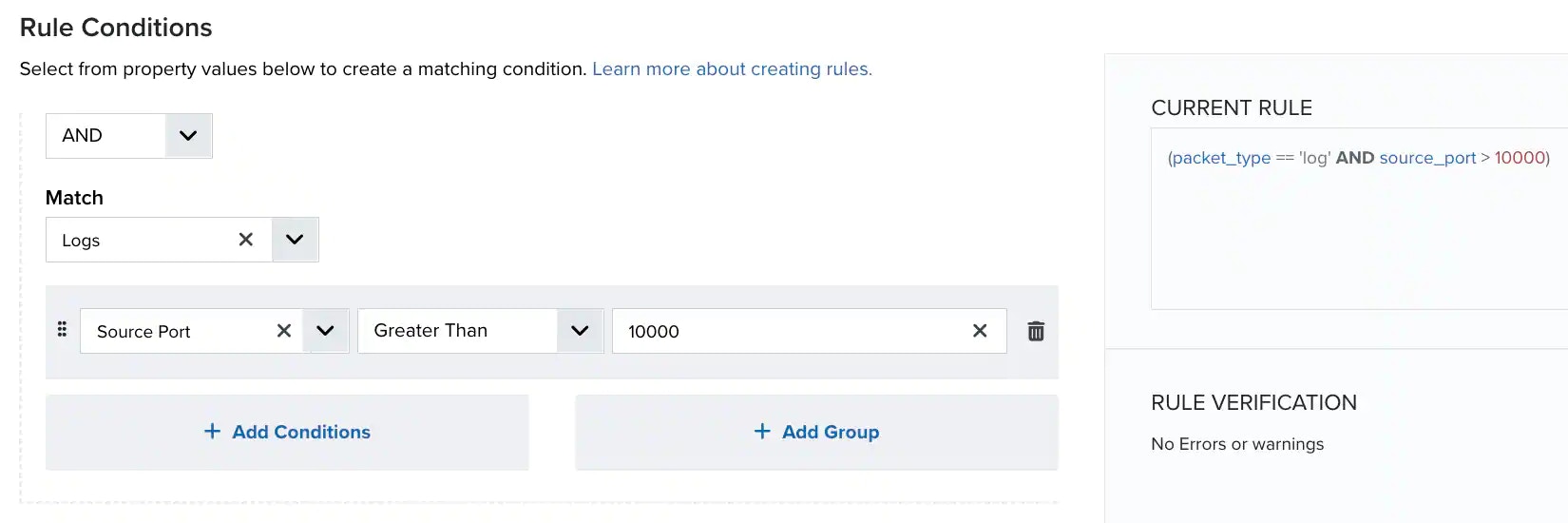 |
| In | Searches for character and numeric values that are equal to one from a list of comma-separated values. | 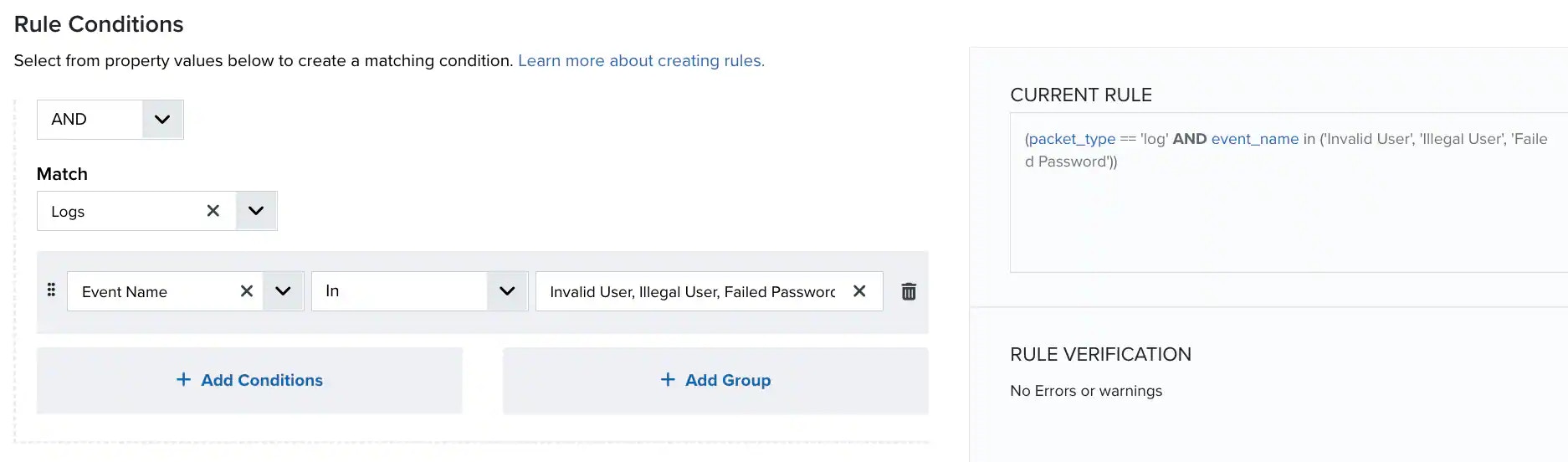 |
| In, case insensitive | Searches for character and numeric values that are equal to one from a list of comma-separated values, ignoring case considerations. | 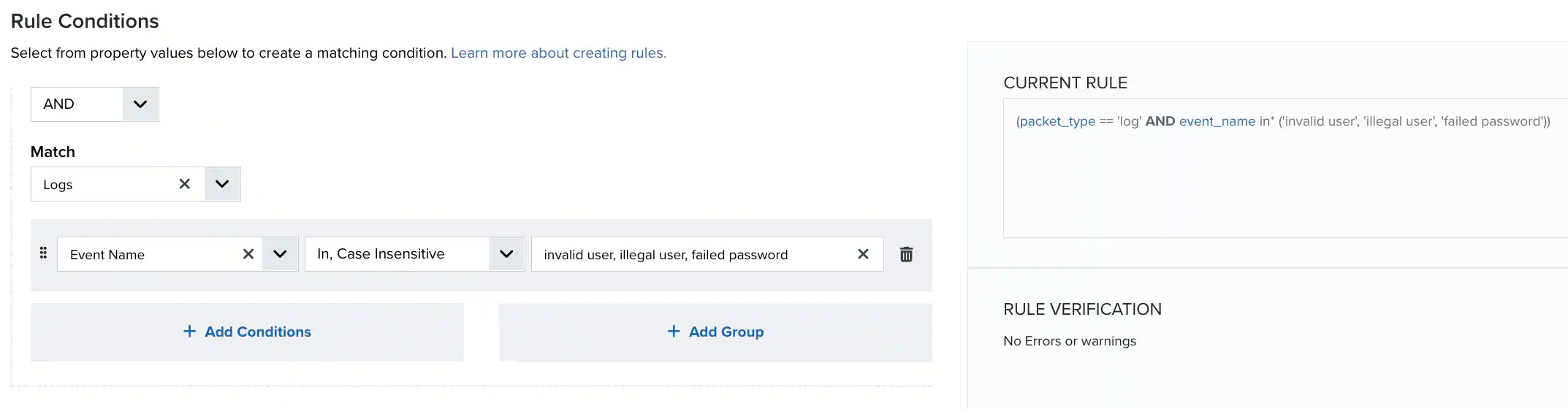 |
| In List | Returns true if the value is included in the correlation list (see Example: Creating an Alarm Rule Using a Correlation List). | |
| In List, case insensitive | Returns true if the value is included in the correlation list, ignoring case considerations. | 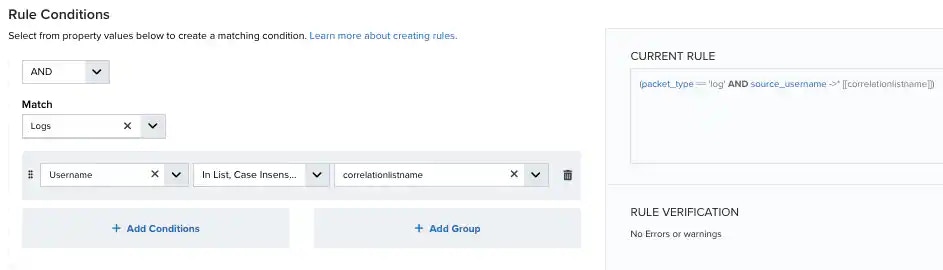 |
| Is Empty | Finds elements that have an empty value (operates in the same way as Equals but matches against an empty string). | 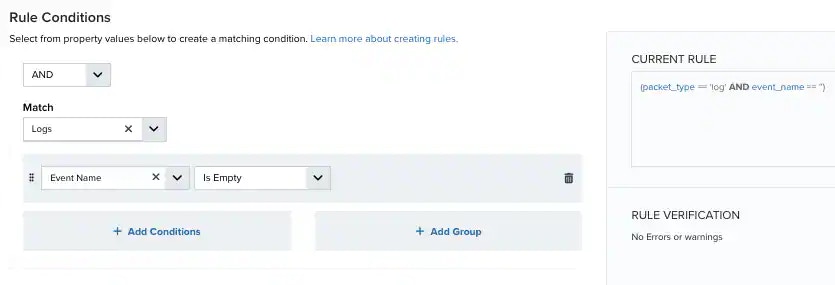 |
| Is Not Empty | Finds elements that have a value. They cannot be blank. | 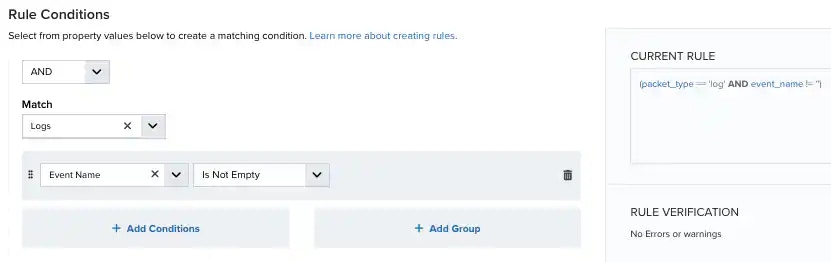 |
| Is In CIDR | Finds elements that are included in the given IP range, using Classless Inter-Domain Routing (CIDR) notation. | 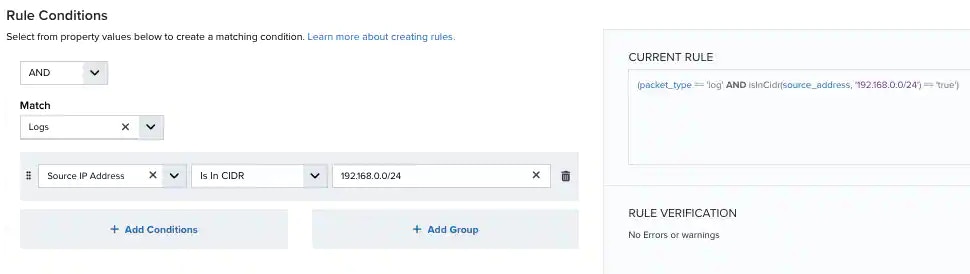 |
| Is Not In CIDR | Find elements that are not included in the given IP range (using CIDR notation). | 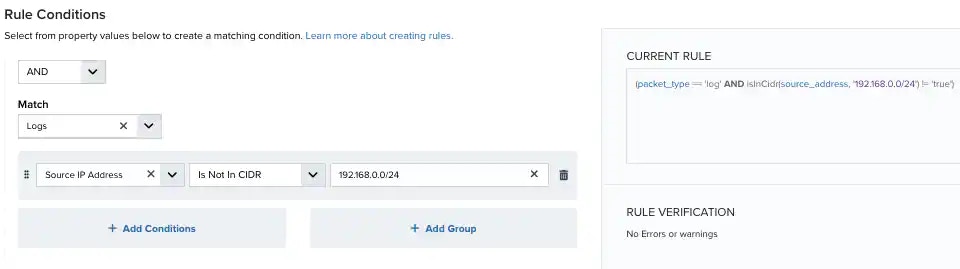 |
| Less Than | Returns true if the left operand is less than the right operand. | 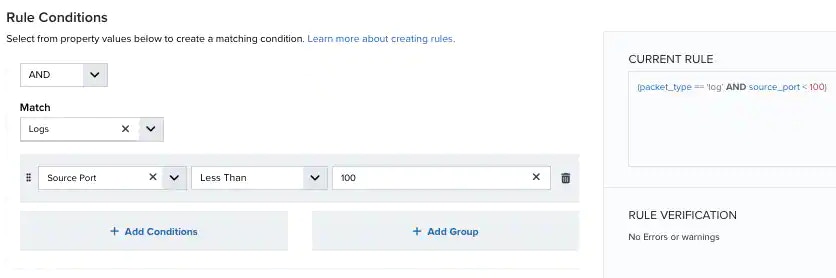 |
| Match | Finds elements that match a specified pattern using regular expressions. | 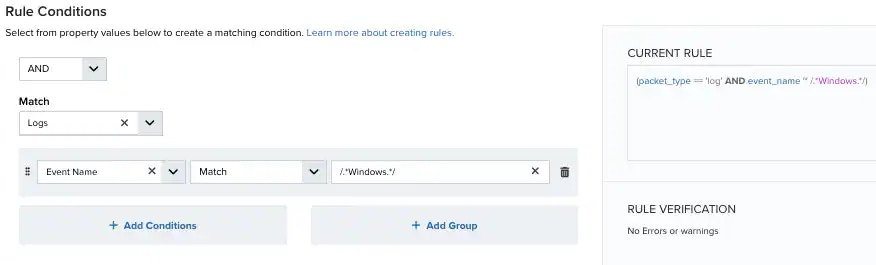 |
| Match, case insensitive | Finds elements that match a specified pattern using regular expressions, ignoring case considerations. |  |
| Not Equals | Returns true when the specified field does not match the specified value. | 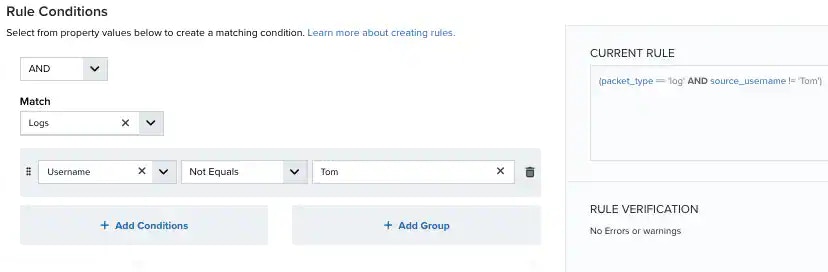 |
| Not Equals, case insensitive | Returns true when the specified field does not match the specified value, ignoring case considerations. | 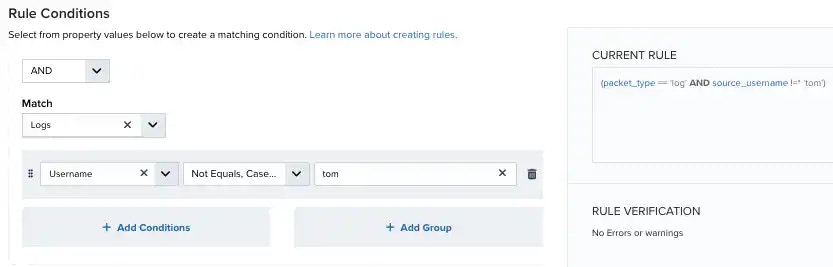 |
Examples of Using the Assign or Equal Operator
Monitor Fields with Variable Values
Without using the Assign or Equal operator, a rule cannot be created that distinguishes between variable values in fields such as logins by different users. Example: Using unique logins Use the Assign or Equal operator to create a rule that monitors unique logins by triggering an alarm if any user successfully logs in more than three times in five minutes, with an hour mute time. This alarm triggers regardless of whether a separate user has also triggered the alarm within the mute time. For example:Use as a Comparison
Assign and Equal can be used to compare values in logs. Example: Comparing IP addresses Use the Assign or Equal operator to apply a rule if the source IP and destination IP are the same. USM Anywhere assigns the source IP address to the variable var_source_address and then compares the destination_address against that variable. For example:Using Regular Expressions in USM Anywhere
TheMatch and Match, case insensitive operators enable you to use regular expressions (regex) to define a pattern to match the content of a field.
When using regular expressions in USM Anywhere, keep the following in mind:
-
The expression pattern must be delimited with the forward slash (”/”) character. For example:
-
Use a backslash (”\”) to escape special characters that would otherwise be interpreted as regex syntax, which includes the ”\” character itself. For example:
Note: Since the backslashes are not used as literals in Java code, but are carried as data in strings in the system, you do not need to double-escape them like you would if you were putting a regex pattern into a Java literal in coding.
- You can use capture and grouping syntax such as \1, $1, or (?:).
- Modifiers such as /i, /x, /m, and /s are not supported.
 Related Video Content