

Note: To do this, you first need to know the bucket that is encrypted, the KMS key used for the encryption, and the Identity and Access Management (IAM) role created for your sensor.
- Log in to the AWS Management Console and navigate to the Key Management Service (KMS) page.
- Open the Customer Managed Keys page and locate the KMS key you are using.
- Scroll down to the Key Users section.
- Click Add.
-
Use the list or the search bar to select the IAM role created for your sensor.
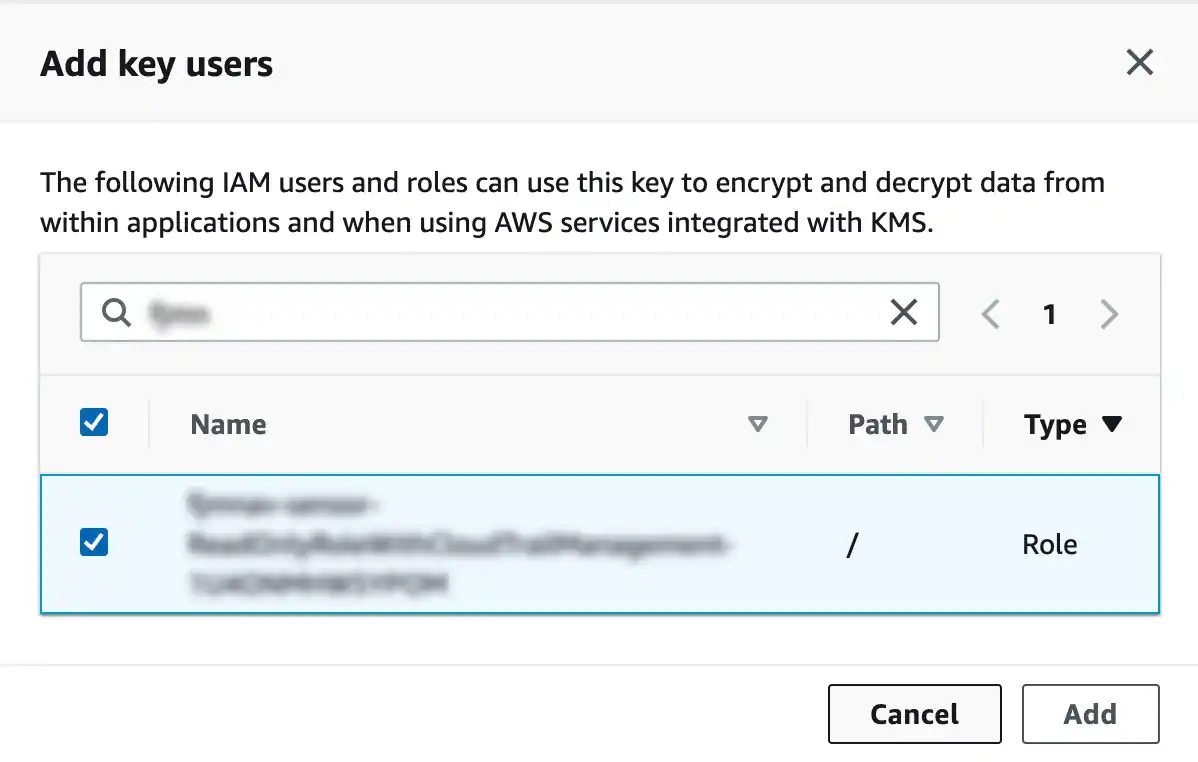
- Click Add.