Warning: Even if a proxy server is configured, some scripts corresponding with netcat and traceroute tools will direct through port 443.
- Open your virtualization management console and connect to the USM Anywhere Sensor virtual machine (VM).
-
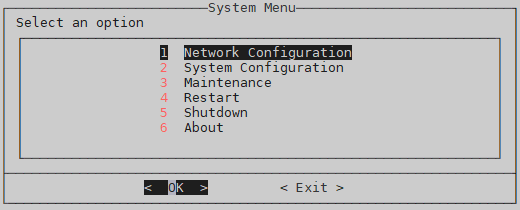
From the USM Anywhere Sensor console System Menu, select Network Configuration, and then press Enter.
-
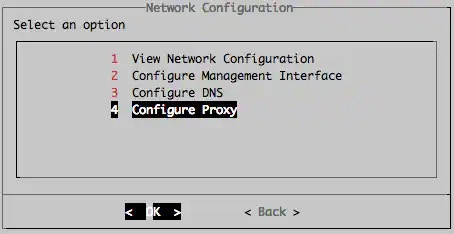
From the Network Configuration menu, select Configure Proxy, and then press Enter.
-
From the Configure Proxy menu, select Set Proxy IP and Port, and then press Enter.
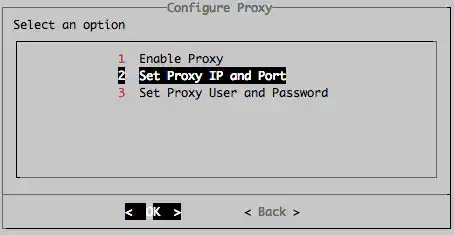
-
Enter the proxy port, and then press Enter.
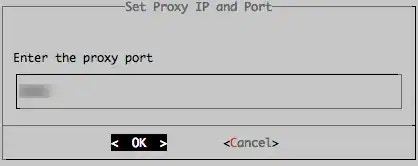
-
Enter the proxy hostname or IP address, and then press Enter.
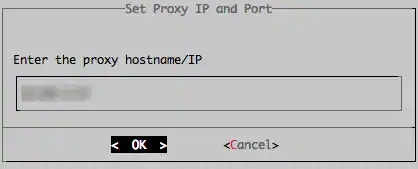
-
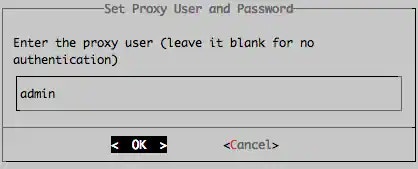
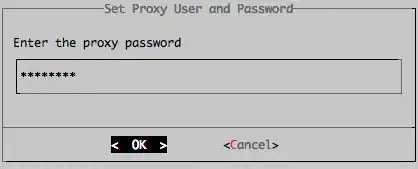
(Optional) Set a proxy user and password by selecting Set Proxy User and Password, and then pressing Enter from the Configure Proxy menu.
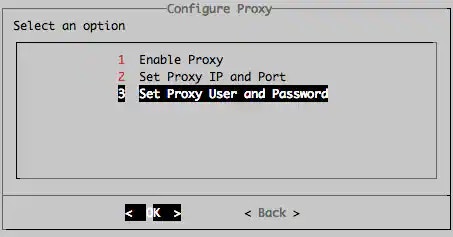
-
Enter the proxy user, and then press Enter.
-
Enter the proxy password, and then press Enter.
-
From the Configure Proxy menu, select Enable Proxy, and then press Enter.

-
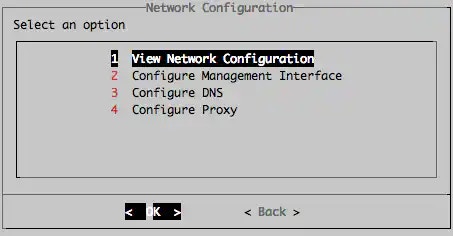
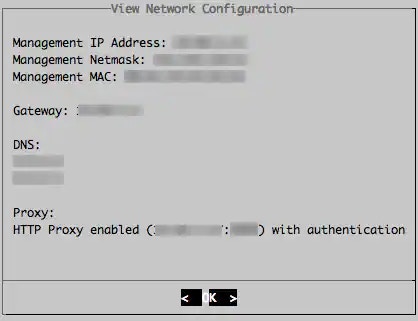
From the Network Configuration menu, you can check your proxy configuration by selecting View Network Configuration, and then pressing Enter.