Manager users can configure USM Anywhere to require users to log in using multifactor authentication (MFA).
To require MFA for users
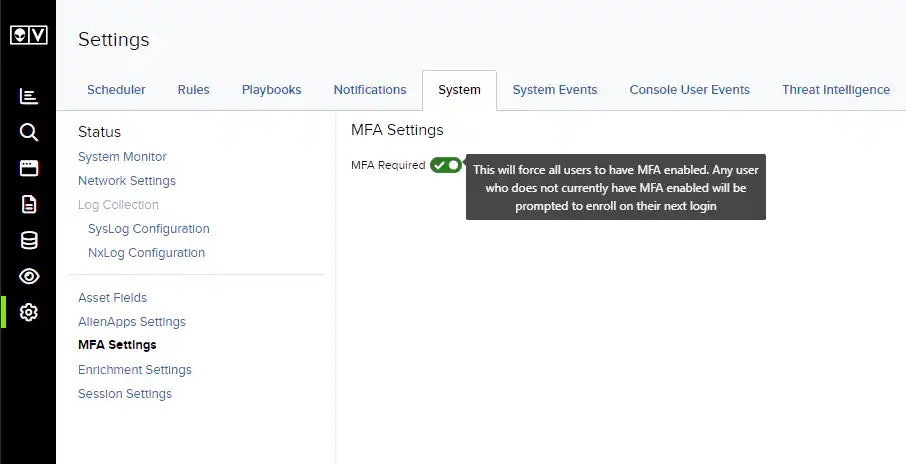
- Go to Settings > System > MFA Settings.
-
Toggle on MFA Required.
Users will be prompted to enroll in MFA on their next login if they do not already have MFA configured.