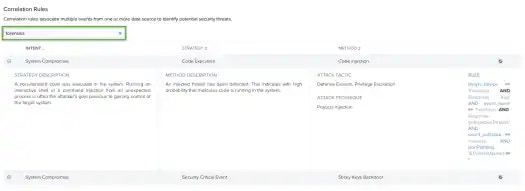
- Select Activity > Events to open the events page.
-
If the Search & Filters panel is not displayed, click the
 icon to expand it.
USM Anywhere includes several filters displayed by default.
icon to expand it.
USM Anywhere includes several filters displayed by default.
-
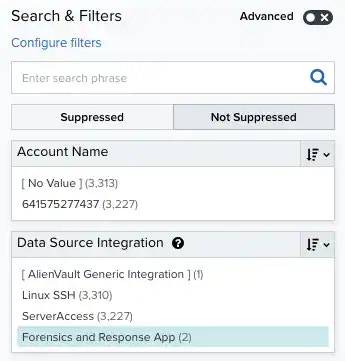
Scroll down to the Data Source filter and select LevelBlue Forensics and Response App to display only those events on the page.
If this filter is not displayed, click the Configure filters link, which is in the upper left corner of the page, to configure filters for the page. See Managing Filters for more information about configuring filters for pages.
-
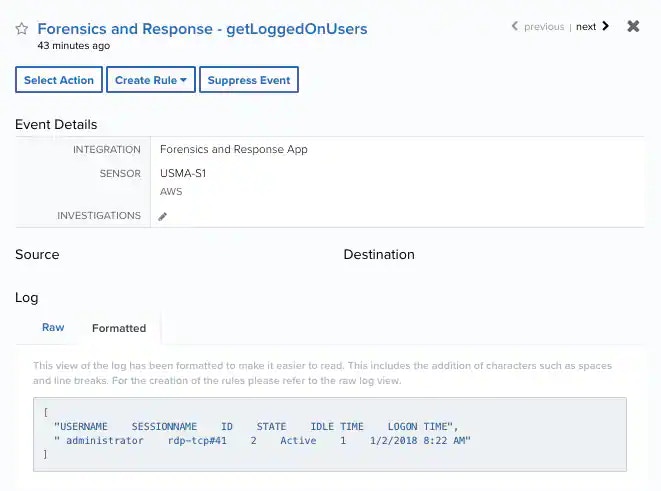
Select an event in the list to view detailed information.
forensics in the Search field.