

- Go to Data Sources > Hunting Library.
- Click Create Custom Query. The New Query section appears.
- Enter and set your query. (See Submitting a query.)
- Click Save.
- Enter a name for your custom query.
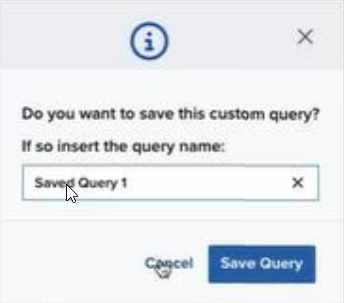
- Click Save Query. The saved query now appears in the Saved Custom Queries list. Clicking on a saved custom query automatically runs it and makes it available for editing.