

Any characters may be used in a query, but certain characters are reserved and must be escaped. The reserved characters are these:
-
- = & | > < ! [ ] ^ ” ~ : \ /
- Go to Activity > Alarms.
-
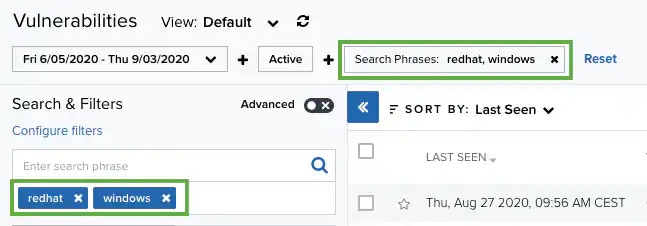
Enter your query in the search field.
If you want to search for an exact phrase having two or more words, you need to put quotation marks around the words in the phrase. This includes email addresses (for example, “bob@mycompany.com”).
Wildcard characters are considered as literal characters.
-
Click the

Searching Alarms by Using the Pulse ID
You can use the search field to search alarms by pulse identification (ID). Pulses are collections of IOCs, reported by the LevelBlue Labs™ Open Threat Exchange® OTX™ community, on which other community members review and comment. Pulses provide you with a summary of the threat, a view into the software targeted, and the related IOCs, reported by the OTX community worldwide. See Open Threat Exchange® and USM Anywhere for more information. To search alarms by using the pulse ID- Go to Activity > Alarms.
- Enter your query in the Enter search field. Either paste the full URL or insert the word pulse followed by a colon and the pulse. For example, enter: https://otx.alienvault.com/pulse/59432536c1970e343ce61bf0 or pulse:59432536c1970e343ce61bf0.
-
Click the
-
The Query Submission dialog box opens.
- Click Confirm to continue. The result of your search displays with the items identified. This result matches entries containing IOCs in your environment.
