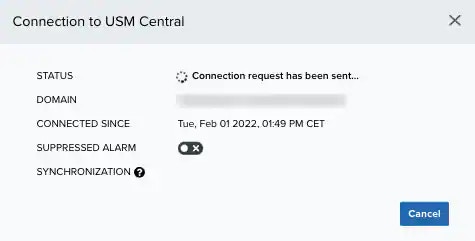
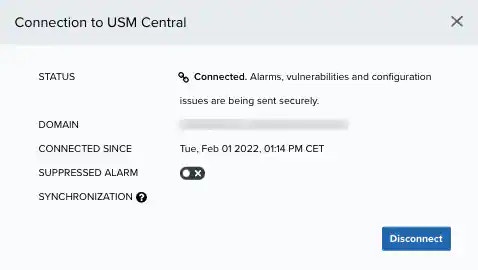
The My Subscription page displays if your has been connected to a or if there are no connections.
Deployment Status
USM Central is a unified console that gives you a single place to monitor and manage multiple USM deployments. USM Anywhere displays if you have your deployment connected to a USM Central, the status of that connection, the domain, and when it was connected. Deployment Status Types
To connect a USM Anywhere to USM Central
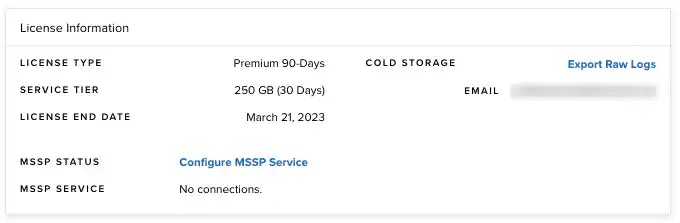
- Go to Settings > My Subscription.
-
Go to the License Information section and click Configure MSSP Service.
The Connection to USM Central dialog box opens.
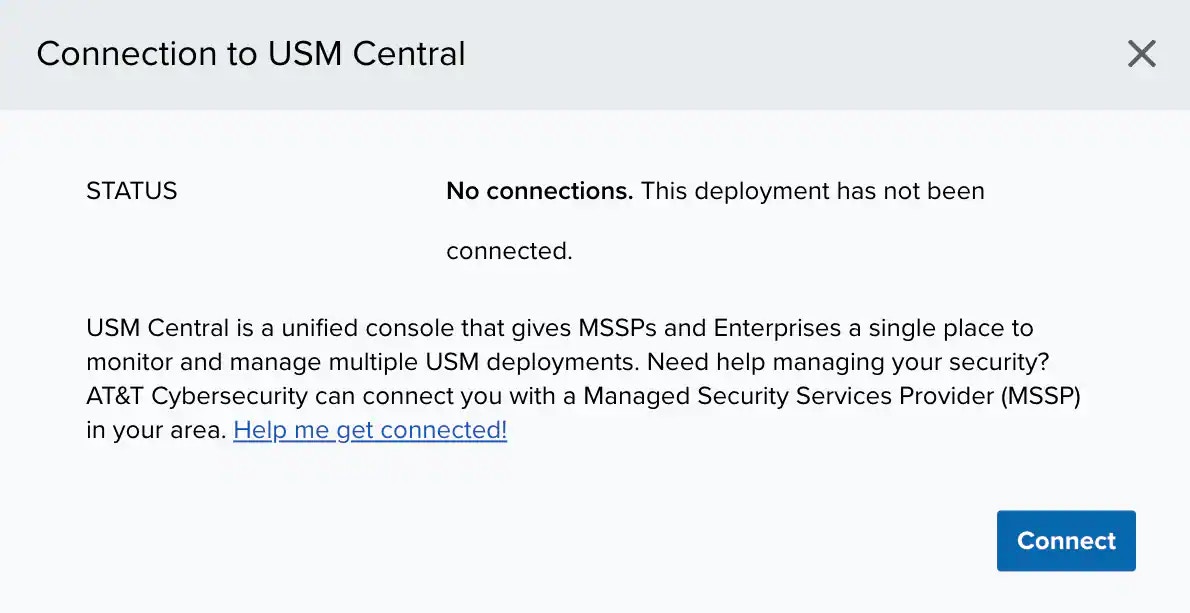
- Click Connect.
- Enter the domain for the USM Central instance.
-
Click Connect.
The system sends a request to USM Central.
The connection is not complete until the user accepts the connection request. See USM Central Connections for more information. Once the request has been accepted, the deployment has been connected.