

To disconnect a USM Anywhere from a USM Central
- Go to Settings > My Subscription.
-
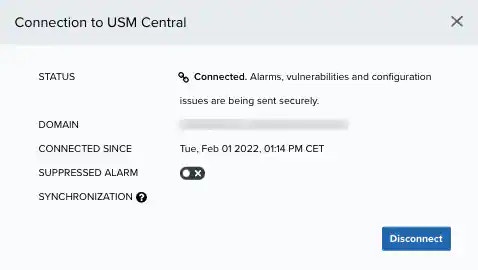
Go to the License Information section and click Configure MSSP Service.
The Connection to USM Central dialog box opens.
-
Click Disconnect.
The Disconnect Deployment dialog box opens.
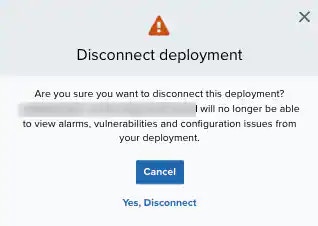
- Click Yes, Disconnect.