

USM Anywhere enables you to respond to the . Use this button to launch an of an . You need to select the , if you have more than one installed in your environment, and then indicate the asset to scan.
To apply an action to a vulnerability
- Go to Environment > Vulnerabilities.
- Search for the vulnerability for which you want to launch an authenticated scan.
- Click the vulnerability.
- The vulnerability details dialog box opens with the information about the specific vulnerability.
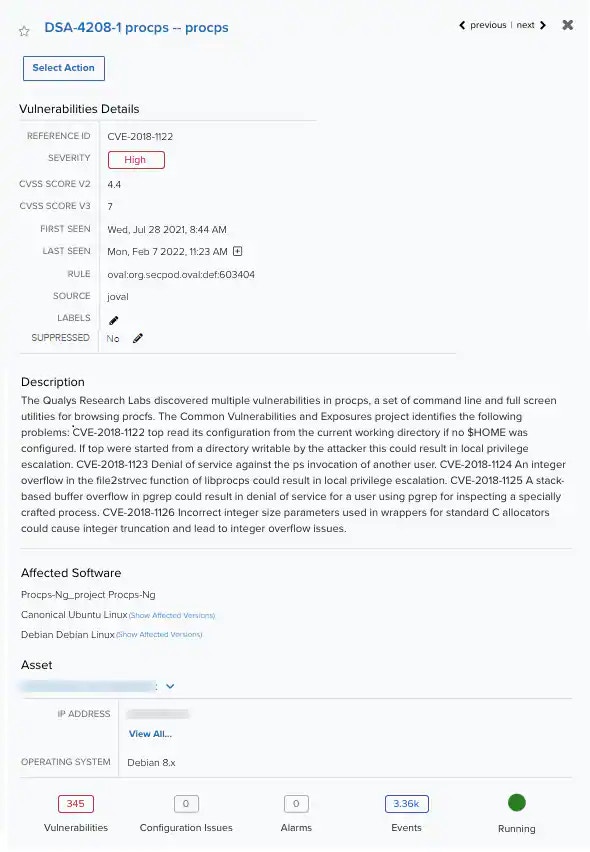
- Click Select Action.
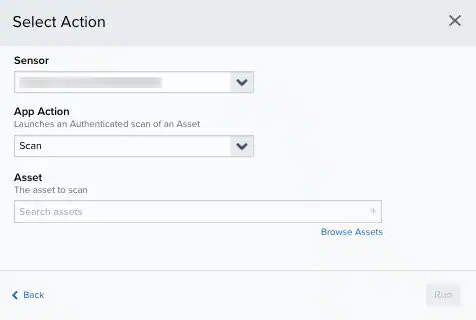
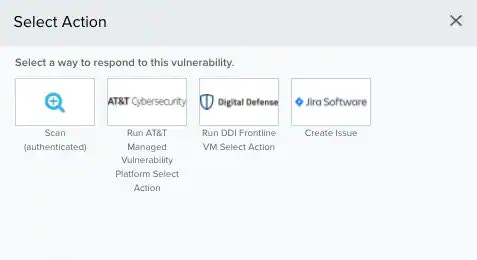
- Depending on the selected option, you should fill in different fields.
- Click Run.