Role AvailabilityRead-OnlyInvestigatorAnalystManager
This is an informative section that enables you to see every modification of the investigation in chronological order.
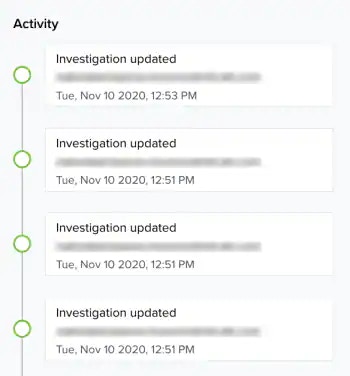
This section displays the following information:
  • Type of action that has been done. These actions can include the following: Activity: Type of Action
    Type of ActionDescription
    Attachment createdA new file is added to the investigation.
    Attachment deletedA file is removed from the investigation.
    Attachment updatedA file from the investigation has been updated.
    Evidence linkedAn alarm or event has been linked to the investigation.
    Evidence unlinkedAn alarm or event has been unlinked from the investigation.
    Investigation createdThe user has created the investigation.
    Investigation deletedThe user has removed the investigation.
    Investigation updatedThe user has updated the investigation.
    Note createdA note is added.
    Note deletedA note is removed.
    Note updatedA note is updated.
  • Email of the person who made a change.
  • Date when the action was made. The displayed date depends on your computer’s time zone.