

Cloning a playbook enables users in the Manager role to duplicate an existing playbook and make any desired changes to the playbook in the process. Both active and archived playbooks can be cloned.
To clone an active playbook
- Go to Settings > Playbooks.
-
Click the
 icon of the playbook that you want to clone.
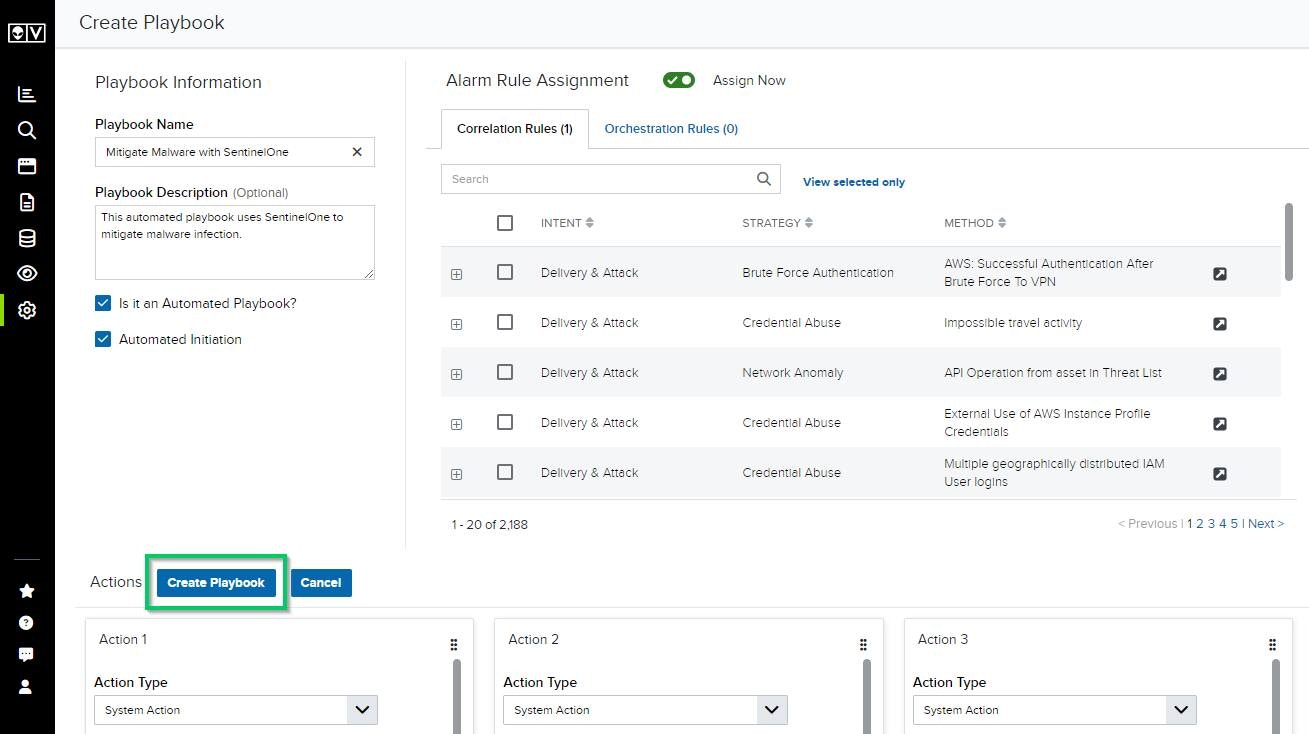
This opens the Create Playbook page.
icon of the playbook that you want to clone.
This opens the Create Playbook page.
-
Make any desired edits to the cloned playbook, and then click Create Playbook.
- Go to Settings > Playbooks.
-
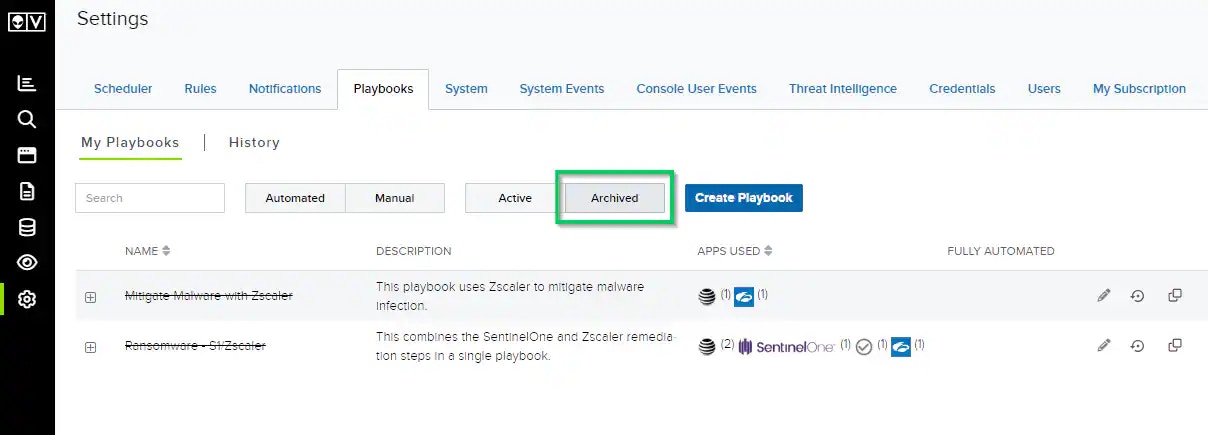
Click the Archived filter.
-
Click the icon of the archived playbook that you want to clone.
This opens the Create Playbook page.
-
Make any desired edits to the cloned playbook, and then click Create Playbook.